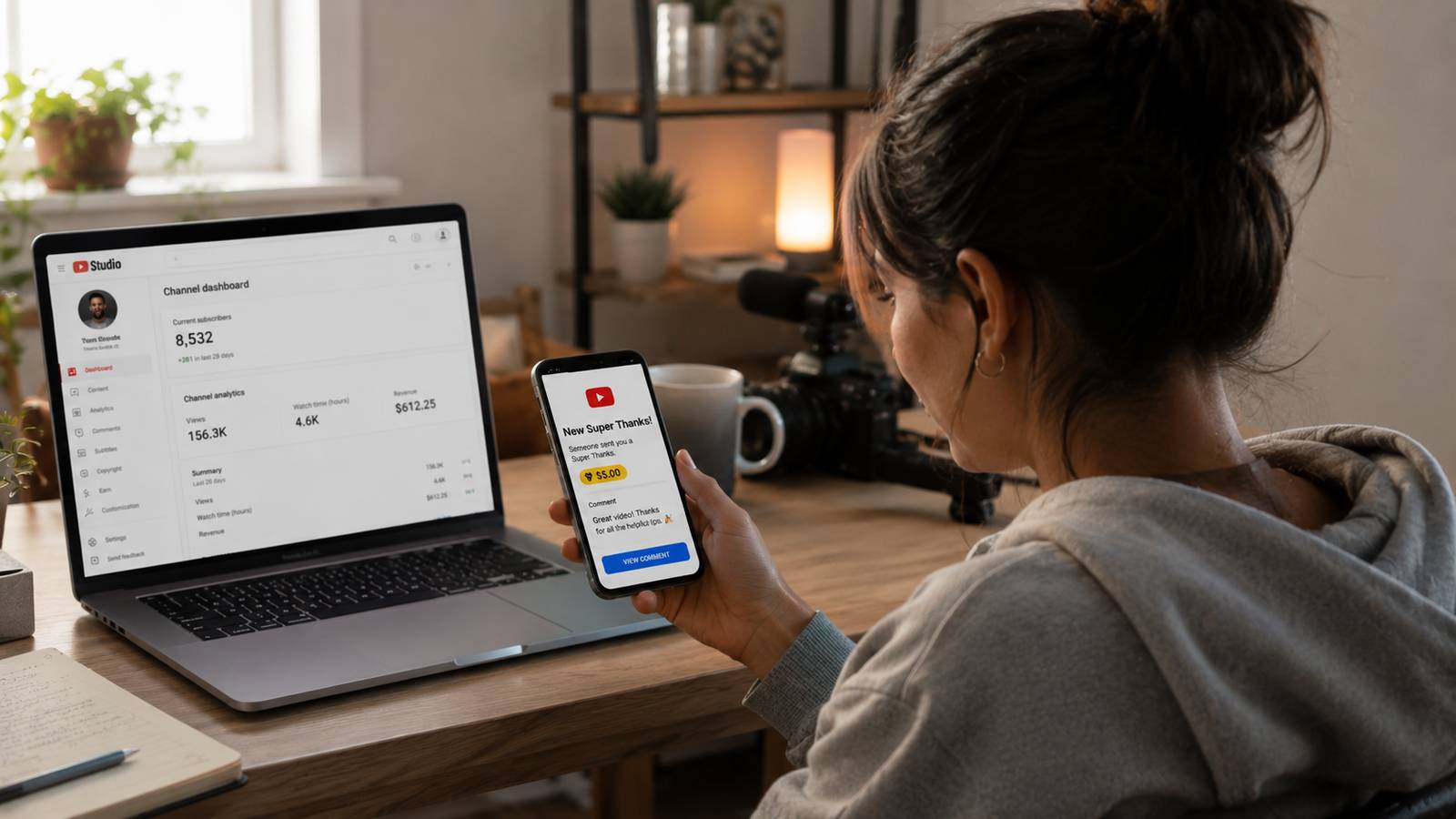
A creator on Reddit reported a $199 Super Thanks that paid out $98, less than half. The advertised split is 70/30 in the creator's favor. The gap is a second fee almost no guide to this feature mentions: Apple's own 30% in-app purchase commission, charged on top of YouTube's cut when a viewer pays through the iOS app.
This is the full payout math, source-verified against Apple's own developer terms, plus how Super Thanks compares to channel memberships and when each applies.
What Super Thanks Is
A viewer pays a one-time fee on any regular video or Short to show appreciation, not a recurring charge like a membership. YouTube shows a one-time animated GIF over the video, visible only to the buyer, and posts their comment as a distinct, highlighted color in the comments section that the creator can reply to directly.
The feature launched in beta in July 2021 under the working name "Viewer applause," then rolled out fully to eligible creators across 68 locations in April 2022 under its current name.
Eligibility
Super Thanks unlocks at YouTube's lower, early-access YPP tier: 500 subscribers, plus either 3,000 public watch hours on long-form video in the past 365 days or 3 million Shorts views in the past 90 days, plus 3 public uploads. That's a real, separate bar below the standard 1,000-subscriber tier, and it's the same tier that unlocks channel memberships.
The higher, standard tier (1,000 subscribers, 4,000 watch hours or 10 million Shorts views) is only required for ad revenue sharing, not fan funding. A channel can turn on Super Thanks well before it qualifies for ads.
Pro Tip: a channel that hasn't hit the 1,000-subscriber ad-revenue bar yet can still turn on Super Thanks and memberships once it clears 500 subscribers and the lighter watch-time requirement. Don't wait for full YPP acceptance to enable fan funding.
Why the Button Doesn't Always Show
A recurring creator complaint: Super Thanks is enabled, but the button doesn't appear on the video, or it's buried under the three-dot overflow menu instead of shown directly. The cause is almost always the specific video, not the channel-level setting.
Four conditions disqualify a single video even on a fully eligible channel: disabled comments, an active copyright claim, age-restricted status, or the video is a live stream or Premiere still broadcasting. Fixing the video, not re-enabling the feature, is the correct troubleshooting step.
The Real Split: YouTube's Cut, Plus a Second Cut on iOS
YouTube's own language is precise for a reason: creators receive "70% of Super Thanks revenue recognised by Google." That 70% is accurate for a payment made directly through YouTube on the web or an Android device.
It is not the full picture when a viewer pays through the YouTube app on an iPhone or iPad. Apple's own developer terms set a standard 30% commission on in-app purchases, applied to digital goods bought inside an iOS app. A Super Thanks bought that way pays both platforms: YouTube's 30%, then Apple's 30% on what's left.
| Payment platform | YouTube's cut | Apple's cut | Creator keeps |
|---|---|---|---|
| Web or Android | 30% | None | ~70% |
| iOS app | 30% | 30% of the remainder | ~49% |
A real creator report on Reddit matches this almost exactly: a $199 Super Thanks netted $98. Running the same math (30% off, then 30% off the remainder) on $199 gives $97.51, a near-exact match to the reported payout.
Price Tiers and What They Net
YouTube's official price range is $2 to $50 (or the local currency equivalent), though creators have reported receiving larger custom-style amounts, including the real $199 example above. Applying both scenarios to the standard tiers:
| Viewer pays | Creator nets (web/Android) | Creator nets (iOS) |
|---|---|---|
| $2 | $1.40 | $0.98 |
| $5 | $3.50 | $2.45 |
| $10 | $7.00 | $4.90 |
| $50 | $35.00 | $24.50 |
A viewer's spending is capped at roughly $500 a day and $2,000 a week, shared across every Supers product combined (Super Chat, Super Stickers, Super Thanks, and Gifts), not $2,000 on Super Thanks alone.
See how much of your revenue already comes from fan fundingChannel Audit breaks down real upload data and audience engagement, the signals that predict whether a channel's audience is the type that tips.Run a Channel Audit →What Real Channels Earn From It
Super Thanks income scales with audience size and niche, not view count alone. Reported monthly ranges by subscriber tier:
| Subscribers | Typical monthly Super Thanks income |
|---|---|
| Under 10,000 | $30 to $120 |
| 10,000 to 100,000 | $80 to $800 |
| 100,000 to 1,000,000 | $500 to $4,000 |
| 1,000,000+ | $5,000 to $25,000 |
A channel under 10,000 subscribers typically earns $30 to $120 a month from Super Thanks; a channel over 1,000,000 subscribers typically earns $5,000 to $25,000 a month.
The spread within each tier is wide, and niche explains most of it: channels built around personal finance, education, and tight-knit communities report higher Super Thanks income than entertainment-first channels of a similar size, the same loyalty-driven pattern that shows up in membership conversion.
Super Thanks Works on Evergreen Video
YouTube's own creator documentation positions Super Thanks specifically for "evergreen videos with ongoing traffic," a real structural difference from its sibling Supers products. Super Chat and Super Stickers only activate during a live stream or Premiere. Super Thanks activates on any regular upload or Short, indefinitely, for as long as the video keeps getting views.
A channel that never streams live has zero access to Super Chat or Super Stickers. Super Thanks is the only Supers product available to it.
Super Thanks vs. Super Chat and Super Stickers
| Super Thanks | Super Chat / Super Stickers | |
|---|---|---|
| Works on | Any regular video or Short | Live streams and Premieres only |
| Payment type | One-time | One-time, per chat message |
| YouTube's cut | 30% | 30% |
Super Thanks vs. Channel Memberships
Super Thanks is a one-time tip; a membership is a recurring monthly payment for ongoing perks. Both share the same 70/30 base split, so the choice isn't about which pays better per transaction, it's about which fits how the audience already interacts with the channel.
Super Thanks fits a channel with occasional standout videos: a viewer tips on the video that earned it, with no ongoing commitment. Memberships fit a channel a viewer watches consistently, since recurring perks reward exactly that kind of repeat viewer. Running both isn't redundant, each captures a different kind of support.
What Increases Super Thanks
YouTube's own creator guidance lists specific tactics, not general advice:
- Promote the feature directly. Most viewers who would tip never see the button unless the creator tells them it exists and where to find it.
- Reply to every Super Thanks comment. A text reply, a Shorts reply, or an in-video shout-out turns a one-time tip into a visible interaction that other viewers see and copy.
- State exactly what the money funds. Naming a concrete use (editing help, equipment, more content) gives viewers a reason to tip beyond generic appreciation.
- Set a visible goal with a number attached. A specific target with shared progress outperforms an open-ended ask.
- Show the funded result. A quick "this was made possible by Super Thanks" once the funded thing ships closes the loop and prompts the next tip.
- Track it in Studio's Revenue tab. Which videos or series generate the most Super Thanks is a real signal for what to make more of, not a vanity metric.
How Super Thanks Gets Paid Out
Super Thanks revenue is not paid separately. It's combined into the same monthly AdSense payment as ad revenue, memberships, and every other Supers product, and it's subject to the standard $100 minimum payout threshold. A channel earning $40 a month from Super Thanks with no other AdSense income won't see a payout until the combined balance clears $100.
A disputed or refunded Super Thanks also claws back the creator's share. Viewers have up to 120 days to dispute an unauthorized charge, and a successful dispute reverses the payout on YouTube's end, not just the platform fee.
Super Thanks Is Taxed Like Ad Revenue
Super Thanks is not a tax-free gift. Google withholds US tax on it the same way it does for ad views, YouTube Premium, and memberships. Every YouTube Partner Program creator, regardless of where they live, must submit tax information to Google.
Missing the December 10 tax-info deadline risks Google withholding up to 24% of total worldwide earnings, not just US-sourced income. US creators typically receive a 1099-MISC by early March for the prior year.
Frequently Asked Questions
Do YouTubers get all the money from Super Thanks?
No. YouTube keeps 30% of every Super Thanks, leaving the creator roughly 70%. If the viewer paid through the YouTube app on an iPhone or iPad, a second fee applies: Apple's standard 30% in-app purchase commission on the amount YouTube passes through, which can drop the creator's real take closer to 50% of what the viewer paid.
What percentage of Super Thanks does YouTube take?
YouTube states creators receive "70% of Super Thanks revenue recognised by Google" after tax and fee deductions. That 70% is the accurate figure for a payment made directly through YouTube on the web or Android. It is not the full picture for a payment made through the iOS app, where Apple's own fee applies before YouTube's share is calculated.
How much is 1 Super Thanks on YouTube?
A viewer chooses from YouTube's official price tiers: $2, $5, $10, or $50 (or the local currency equivalent). Creators have also reported receiving larger custom-style amounts, including a real $199 Super Thanks, though $2 to $50 is the standard published range.
What happens when you press Super Thanks on YouTube?
The viewer picks a price tier and pays once, not a recurring subscription. YouTube shows a one-time animated GIF over the video visible only to the buyer, and posts a distinct, colorful, highlighted comment in the comments section that the creator can reply to directly.
The Real Number Is Closer to 50% on iOS
Super Thanks is worth enabling at every channel size. There's no cost to turning it on and no downside to a $0 month while it sits idle. The number to plan around isn't the advertised 70%.
For any channel whose audience skews toward watching on iPhone or iPad, the realistic net is closer to half, and that's the figure worth knowing before crediting Super Thanks with more revenue than it delivers.