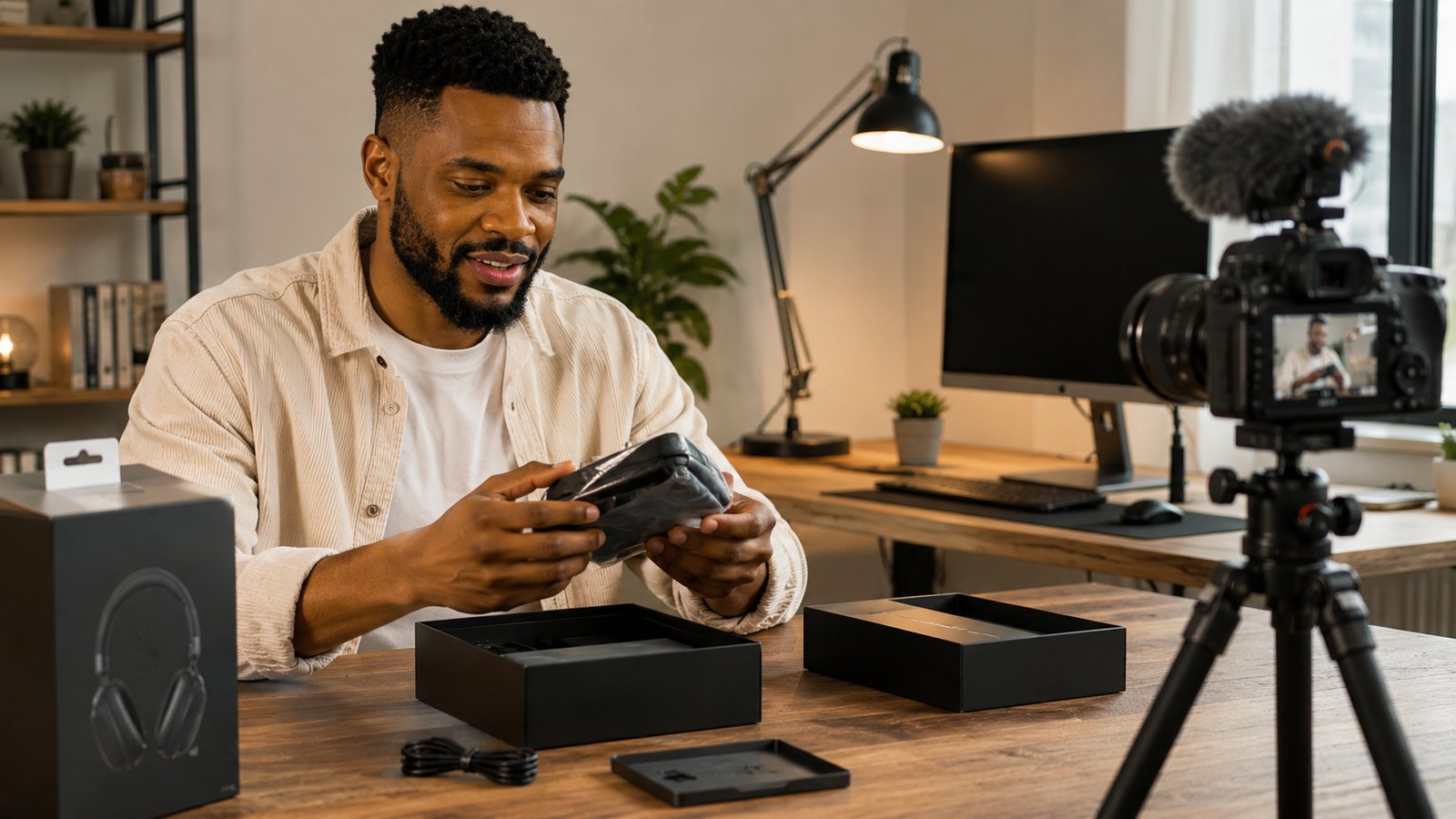
A phone or a laptop launches, and the channels with press access and the biggest subscriber counts publish their verdict within hours of the embargo lifting. A smaller channel reviewing the same device two days later is not losing on quality. It is losing on a head start it never had. That head start is the real problem, and no amount of faster filming closes it.
The 33 ideas below sort into six formats built around a different premise: none of them depend on being first to a launch. A myth put to the test, a real setup, a concept explained from zero, none of it loses value if it publishes on day nine instead of day one.
What Tech Channels Publish
Everything in the table below is pulled straight from 5,876 long-form tech videos published since January 2025, across 127 channels in our own tracked database, not summarized from someone else's article.
| What we measured | Tech | How that compares |
|---|---|---|
| Typical video length (median) | 6.2 min | Well under the 8-minute mid-roll line |
| Average video length (mean) | 10.3 min | 1.66x its own median |
| Shorts share of uploads | 22.6% | Close to one upload in four |
| Sample | 127 channels, 5,876 videos | Published since January 2025 |
The 1.66x gap between median and mean says something specific about this niche. Enough long-format content, hour-plus teardown videos, full buying guides, deep dive explainers, sits inside the sample to pull the average well above what a typical upload looks like. A 6.2-minute video is closer to what most tech channels publish than the 10.3-minute average suggests.
6.2 minutes sits well under the 8-minute mark where a second ad break kicks in, and that is not a gap to close. A verdict or a first-look runs as long as there is something new to show, then it stops. Padding a 4-minute unboxing to 8 minutes for one more ad break only pays off if viewers stay through the stretch, and a stretched video is exactly where they stop staying.
Why a Format Outlasts a Product Cycle
That head start is not something a smaller channel can train away. Review units go to the channels with the reach to move a manufacturer's numbers, and that allocation happens before a single video gets filmed.
A format sidesteps the race instead of trying to win it. A myth put to the test, a real comparison, a concept explained properly, none of it depends on who unboxed the device first. Most tech video idea lists collapse into the same handful of buckets, product reviews, unboxings, how-to, tech news, app reviews, setups, explainers, tips, predictions, and not one names a repeatable shape a smaller channel could run indefinitely.
Each format below works the same way: point it at whatever product or app is in front of you right now, film it, then point it at the next one. None of them expire when the device does. The full video ideas guide covers this same format-first logic across every niche, and the same principle drives the guides for gaming, comedy, cooking, and music.
| Format | What decides the video | Best for |
|---|---|---|
| The Verdict | Whether the product or app is worth the money | Purchase-intent search traffic |
| First Contact | What using it for the first time feels like | Launch-week and early-access reach |
| Tested, Not Assumed | Whether a popular claim or setting holds up when checked | Building trust as a source, not just a reviewer |
| Explain It From Zero | Making one confusing concept make sense to a beginner | Search volume that outlives any device |
| My Actual Setup | What is on the desk, and why | Viewers deciding what to buy next, not what to buy now |
| The News Nobody Explained Right | What an announcement changes for the person watching | Riding a launch news cycle without repeating the press release |
The Verdict: Reviews and Comparisons That Answer a Real Purchase
A viewer searching for a review has already decided to spend money and is only deciding where. That is the highest-intent traffic in this niche: they are not browsing for entertainment, they are one video away from a purchase.
App reviews work the same way hardware reviews do. Someone is deciding whether to pay for a subscription or keep scrolling past it, and a direct yes-or-no verdict gets them to that decision faster than a feature-by-feature walkthrough does.
- 1. "The Two Hundred Dollar Version Versus the Eight Hundred Dollar Version"
Buy both price tiers of the same product category, earbuds, a monitor, a keyboard, and test honestly whether the gap in price buys anything real. A four-to-one price difference on the same category of product is a claim viewers can check for themselves against your footage, which is why it holds attention better than a single-product review does. - 2. "Six Months Later: Does It Hold Up"
Revisit a product after real daily use instead of a week of review-unit testing. Most reviews publish before a battery genuinely degrades or a firmware update introduces a new bug, so a six-month follow-up catches problems the launch-week review structurally cannot. - 3. "The App I Deleted After a Week"
A genuine post-use verdict on a hyped app, tested honestly instead of filmed as a sponsored first impression. Most app coverage stops at day one, before a trial converts to a paid subscription or a limitation the demo never showed becomes the thing you live with daily. - 4. "Same Job, Three Tools, One Winner"
Compare three products solving the identical problem, note-taking apps, password managers, wireless earbuds, and rank them on the job they are hired for, not the spec sheet. - 5. "What the Spec Sheet Leaves Out"
A review built around the gap between marketed specs and how a device performs in normal use, battery life under real screen-on time instead of the manufacturer's lab test, camera performance in low light instead of the daylight demo shots. - 6. "The Free App Versus the One You Pay For"
A direct feature and reliability comparison between a free tool and its paid rival, tested honestly enough to say when the free version is simply better.
First Contact: The Honest Unboxing
An unboxing only has one shot at being interesting: the moment before anyone, including the person filming, knows what is inside.
The strongest unboxings treat the box as the first data point, not filler before the real content starts. What a company chooses to include, and what it leaves out, tells a viewer something a spec sheet cannot.
- 7. "The Packaging Is Doing More Than You Think"
Film the box itself as the subject: the unboxing sequence a company designed, the included inserts, the print quality. It doubles as a quiet signal of how much the company spent on the experience versus the product. - 8. "Setting It Up With the Instructions Turned Face Down"
Attempt full setup without reading the manual, and show honestly where the design succeeds or forces you to give up and read it after all. - 9. "The First Day With It, Not the First Ten Minutes"
A real usage diary covering a full day instead of a scripted first impression filmed the moment the box opens. - 10. "Everything in the Box, Ranked by What Gets Used"
Rank every included accessory honestly, and call out the ones that get used exactly once, at unboxing, and never touched again. Most box contents get a full walkthrough regardless of whether they matter; ranking them by real use is the part nobody does. - 11. "Unboxing the Thing Nobody Else Has Yet"
Early-access or hard-to-find hardware, useful for channels with review-unit relationships or the willingness to import something before it ships locally.
Tested, Not Assumed
Tech content repeats the same handful of tips so often that most of them stopped being checked somewhere along the way. Testing one properly, on camera, is a format almost nobody in this niche commits to.
The same applies to shortcuts and hidden features. A tip that gets repeated across a hundred channels without a single one measuring it has not been verified, it has been copied, and the copy is what most viewers have already seen before landing on your video.
- 12. "Testing the Setting Everyone Tells You to Turn Off"
Pick a popular battery or performance claim, background app refresh, a display setting, and measure it properly instead of repeating the advice on faith. - 13. "The Shortcut Nobody on This Channel Uses"
Teach one genuinely underused feature properly, instead of listing it as line four of a twenty-item roundup where it gets ten seconds. - 14. "A Viral Tech Tip, Tried for a Week"
Follow a trending hack, a screen time trick, a settings change promising better battery life, for a full week and report the honest result. - 15. "Every Setting Worth Changing on a New Phone"
A real walkthrough of the settings worth touching on day one, not a listicle read off a script over B-roll. - 16. "The Battery-Saving Claim, Measured"
Run the actual before-and-after test on a popular battery tip instead of asserting it works. - 17. "The Feature Nobody Reads the Manual For"
A deep dive into one underused feature of a common app or operating system, taught as its own video instead of buried inside a settings tour.
Explain It From Zero
Explainers are the one format on this list that outlasts every device generation, because the concept underneath a news cycle rarely changes as fast as the headlines about it. The job is making one confusing idea make sense to someone starting with nothing.
The test is the same every time: could someone with zero background follow the explanation without pausing to look something up. If not, the explainer has not done its job yet.
- 18. "What Happens, Step by Step, When You Ask AI a Question"
A plain-language walkthrough of how a model responds, aimed at someone who has used the tools but never seen behind them. - 19. "The One Privacy Setting Worth Understanding First"
Instead of a general list, pick the single setting that matters most and explain the reasoning behind it properly. - 20. "What Your Phone Is Tracking, and How"
Explain the real tracking mechanisms in plain language, no fear-mongering, just the technical picture. - 21. "Why This Keeps Breaking, Explained"
Pick a common frustration, Wi-Fi dropping, autocorrect getting worse, sync failing silently, and explain the real cause instead of offering another workaround. - 22. "The Buzzword Everyone Uses and Nobody Defines"
Take one overused term, edge computing, zero-knowledge, quantum-anything, and explain it properly in under five minutes. - 23. "How This Free App Makes Its Money"
Explain the real business model behind a popular free tool or platform, a genuinely underused angle most channels skip in favor of covering the features instead.
My Actual Setup
A setup video markets every piece of gear on the desk at once, whether or not it earns its place there. The best ones say plainly which pieces are doing real work and which are there for the shot.
The format also ages slower than a review does, because a desk setup changes gradually while a product line turns over every year.
- 24. "What Is on the Desk, and Why"
A walkthrough of a real setup with a stated reason for each piece, not a gear list read off a spec sheet. - 25. "The Budget Setup Versus the Expensive One"
The identical task, two budget tiers of desk gear, tested honestly about what the price difference buys. - 26. "What I Replaced After a Year of Using This Setup"
Revisit an old setup video and name what got swapped out and why, instead of pretending the original setup was perfect all along. - 27. "Building a Setup for Under Three Hundred Dollars"
A real budget constraint, filmed with receipts, aimed at a viewer who assumes a decent setup costs far more than it does. - 28. "The One Piece of Gear I Regret Buying"
A gear-regret video, rare in this niche because most channels only cover products they were sent or chose to keep, which is exactly why naming a bad purchase stands out.
The News Nobody Explained Right
Every tech channel eventually covers a major announcement, and most of them just restate the press release with more excitement in the voice. The gap is explaining what changes for the person watching.
Predictions are the same problem in reverse. Almost nobody who makes a prediction video comes back a year later to grade it, which is exactly why doing so stands out.
- 29. "What an Announcement Changes, in Plain Terms"
Skip the press-release recap and go straight to what is different for a normal person using the product, not the headline feature nobody will use. - 30. "The Headline Versus What Shipped"
Compare launch-day marketing claims against how the product performs once real units are in hand. - 31. "My Prediction From a Year Ago, Graded"
Revisit an old prediction video and grade it honestly against what happened, including the parts that missed. - 32. "Three Things About to Change, and What to Do Now"
Genuinely forward-looking predictions tied to a real action a viewer can take, not hype dressed as insight. - 33. "The Story the Headline Skipped"
Dig into the context a headline left out, why a company made a decision, not just that it made one.
The Privacy and Security Videos Most Idea Lists Skip
Privacy and security rarely gets its own section in tech video idea guides, despite being one of the few topics in this niche that does not go stale with the next product cycle. A device review ages out within a year. A well-made walkthrough of locking down a phone stays useful until the settings menu itself changes.
The permission audit is the easiest of the three to film and the most requested. Walking through a phone's real permission list, microphone access, location, background data, and revoking what an app does not need takes about fifteen minutes and needs no script, because the settings menu is the script.
The password manager demonstration works because most viewers already know they should use one and have never seen what happens without it. Showing a real reused-password scenario, then the same scenario with a manager in place, makes the advice concrete instead of repeating it.
The data broker walkthrough is the least filmed of the three and among the most useful: a real attempt to find out what is publicly listed about you, and the real opt-out process, screen recorded start to finish instead of summarized in a list.
What Makes a Tech Title Get Clicked
Lead with the product or the claim, since that is what a viewer typed into the search bar. A number earns its place only when it is the actual reason to click, a real price gap or a stated time limit, not a habit stapled onto every title whether it means anything or not.
Compare "The Two Hundred Dollar Version Versus the Eight Hundred Dollar Version" against "Headphone Review": the first promises a specific verdict, the second promises exactly what a hundred other channels already published under the same four words. The format is doing the work a spec-sheet title cannot. Our guide to writing titles generally covers the rest of the mechanics.
When a Video Earns Ten Minutes, and When It Should Not
At a 6.2-minute median, most tech uploads fall well short of the 10.3-minute average, and that gap is format, not padding. A format naturally runs long only when it has more than one distinct segment to cover, not because a longer video performs better on its own.
| Format | Typical length | Why |
|---|---|---|
| The Verdict | 6-9 min | Needs room for a real recommendation, not more footage |
| First Contact | 3-6 min | Ends when the box is empty and the first impression is said |
| Tested, Not Assumed | 5-8 min | A real before-and-after takes longer than an assertion does |
| Explain It From Zero | 5-10 min | Runs long only when the concept has more than one moving part |
| My Actual Setup | 6-9 min | One short segment per piece of gear shown |
| The News Nobody Explained Right | 4-7 min | Short unless several related changes need covering at once |
The formats naturally suited to a longer runtime are the ones with more than one segment to cover. Everything else should end when there is nothing new left to show.
Frequently Asked Questions
What kind of tech videos get the most views on YouTube?
Comparison and verdict content pulls the highest-intent traffic, because the viewer already decided to spend money and is only deciding where. Unboxings and first-look videos travel further in the days right around a launch, when search interest for a specific device spikes and settles again within weeks.
How long should a tech video be?
Our upload data puts the typical tech video at 6.2 minutes, with a 10.3-minute average pulled up by longer teardown and deep-dive content. A verdict or an unboxing rarely needs more than the median gives it, and padding toward the 8-minute mid-roll line costs more in drop-off than the extra ad break returns.
Do I need expensive equipment to start a tech channel?
A phone and a desk lamp cover most of the formats on this list, since the subject is usually already camera-ready hardware. The real cost in this niche is the product itself, not the camera, which is why a clear budget for what you buy yourself matters more here than gear does.
How often should a tech channel upload?
One to two long-form videos a week is standard, with room to move faster around a major launch window when search interest is temporary and time sensitive. Shorts fill the days between long-form uploads without needing a new product to justify them.
Are Shorts worth it for a tech channel?
Yes. Tech channels in our data put 22.6% of uploads into Shorts, close to one in four. A single setting, one spec comparison, or the reaction moment from an unboxing all cut down cleanly, so Shorts do not require a second product to justify filming.
What is the biggest mistake new tech channels make?
Reviewing whatever device just launched instead of picking a format that survives past that device's relevance. A review of the newest release competes directly with channels that have more subscribers and got the review unit earlier. A format, a comparison, a myth test, an explainer, gives a reason to click that has nothing to do with who got the unit first.
Do sponsors expect editorial control over tech reviews?
Reputable sponsors do not, and the ones that do are worth turning down. The FTC requires clear disclosure of any paid relationship or free product, and a viewer who suspects a review was bought stops trusting every review after it, not just the one in question.
How do I keep a privacy or security video accurate as things change?
Date the video in the title or the pinned comment, and revisit anything tied to a specific app version or settings menu every six months or so. Privacy and security content ages faster than most tech content because the menus and defaults it describes change under it, and a viewer who follows outdated steps loses trust fast.
New Hardware Expires. The Format Does Not.
Every idea on this list gets around the same problem: a channel built one product at a time runs out of things worth reviewing long before it runs out of viewers worth keeping.
Start with whichever format matches what is already true for you right now: The Verdict if the product is already on your desk, First Contact if something new just arrived, an explainer if you can make one confusing idea click faster than your audience expects. Every launch eventually belongs to whichever channel got the review unit first. A format never has to wait for one.