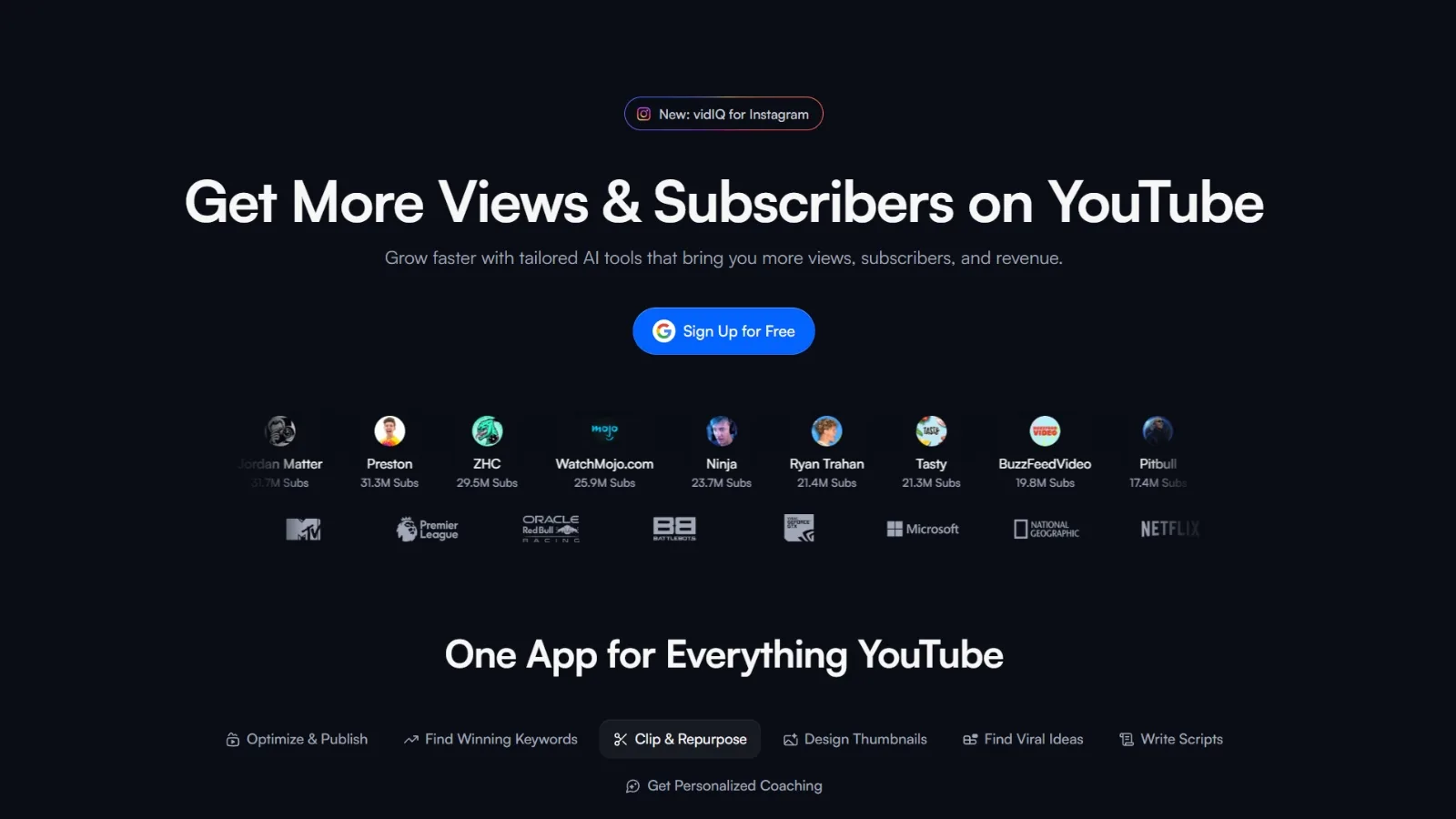
If you have searched for a vidiq review, you are almost certainly asking two questions: is the paid plan worth the money, and is there a way to get the same data without paying for it. This review answers both directly, without the affiliate-link spin that most "reviews" of this tool are built around.
vidIQ is one of the most widely used YouTube research tools on the market. It has a genuinely useful free Chrome extension and a paid platform that gets expensive fast. The honest verdict is that parts of it are excellent and parts of it frustrate a lot of people, and which side you land on depends entirely on what you need it for.
This is a measured look at what it does, what it costs in 2026, where users run into problems, and how to cover the same research jobs with a free alternative.
What vidIQ Is
vidIQ has two parts that people often confuse. The first is the vidIQ Chrome extension, officially called vidIQ Vision for YouTube. It is a free browser plugin (Chrome, Firefox, and Edge) that overlays research data directly on top of YouTube while you browse: an SEO score, views per hour, tags, competition signals, and trend alerts on every video and channel you look at.
The second is the vidIQ web platform, which is where the paid features live: keyword research, competitor tracking, AI-generated ideas, thumbnail tools, and an AI coach. The free extension is the part most creators know. The paid platform is the part vidIQ wants you to upgrade into.
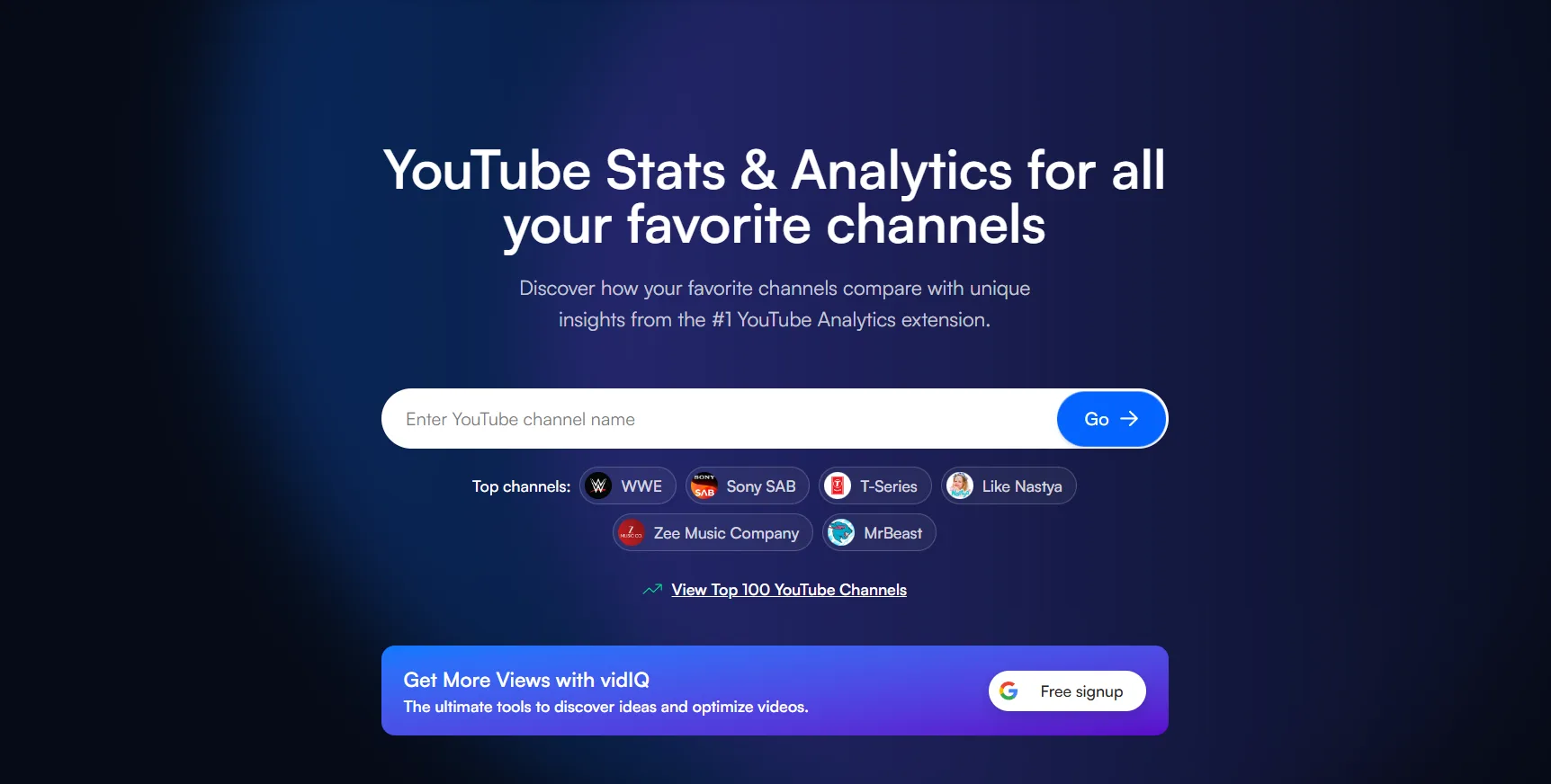
If the term itself is new to you, it helps to understand what YouTube SEO is before evaluating any tool built around it. The extension is essentially a YouTube SEO dashboard bolted onto the pages you already visit, which is why the vidiq chrome extension is the part of the product almost everyone starts with.
What vidIQ Does Well
A fair vidiq review has to start with the genuine strengths, because there are real ones. vidIQ is mature and stable. The plugin is updated regularly, works across Chrome, Firefox, and Edge, and does not break every time YouTube changes its layout, which is more than can be said for some competitors.
But "what does it do well" deserves a real answer, not a three-line summary. Below is the full feature surface, what each one does, how good it is, and the honest caveat, so you can judge it against what you specifically need.
vidIQ Features in Depth
Keyword Research
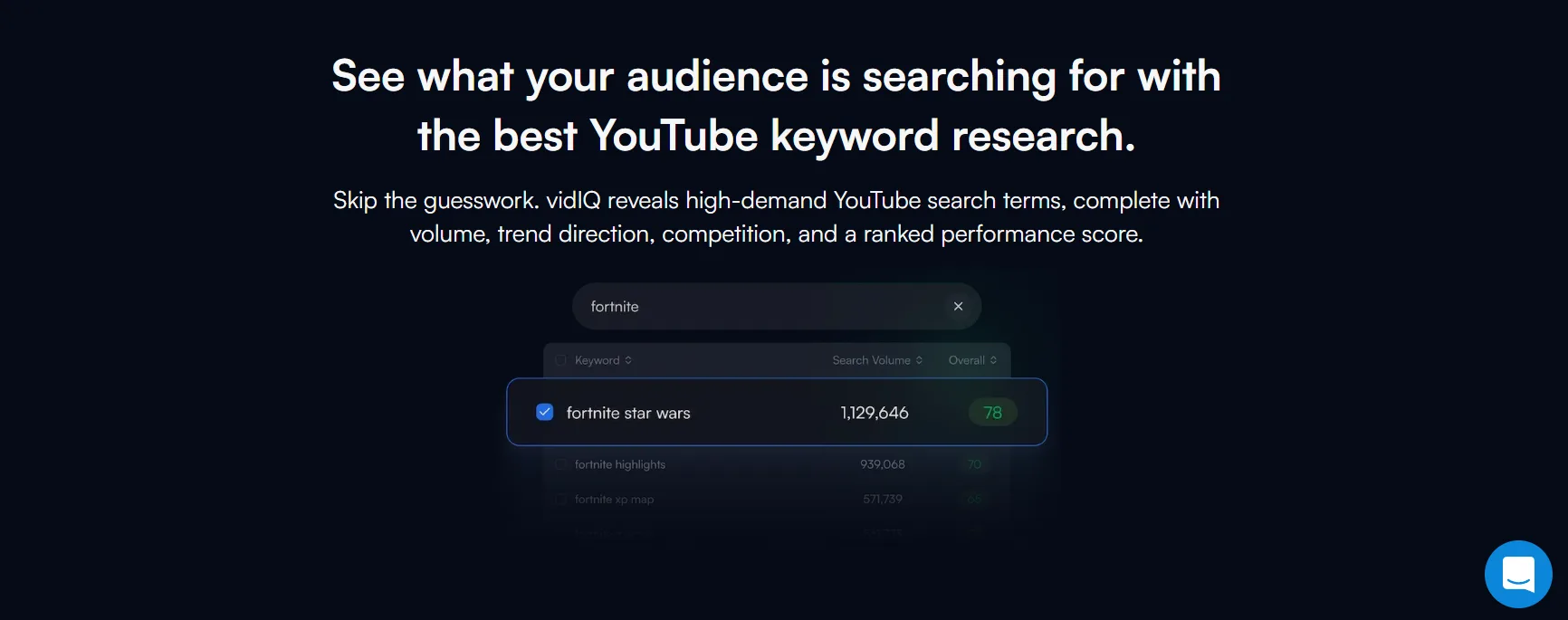
This is the feature most people pay for. vidIQ pairs an estimated monthly search volume with a competition score and an overall "match" rating for your channel size, so you target phrases you can realistically rank for instead of terms large channels already own. You can search a seed keyword and get a list of related queries, each scored, plus the ability to save keywords into lists.
The honest caveat: the volume and competition numbers are estimates, not YouTube's own data, and creators regularly report mismatches. Treat the scores as a relative ranking between options, not absolute truth. As a way to compare ten possible topics and pick the most winnable, it works. As a precise traffic forecast, it does not.
Pro Tip: Never chase a single high-volume keyword. Pull five to ten candidate phrases, rank them by the competition score relative to each other, and pick the most winnable one for your channel size. The absolute numbers will be off. The ordering between options is the part worth trusting.
Daily Ideas
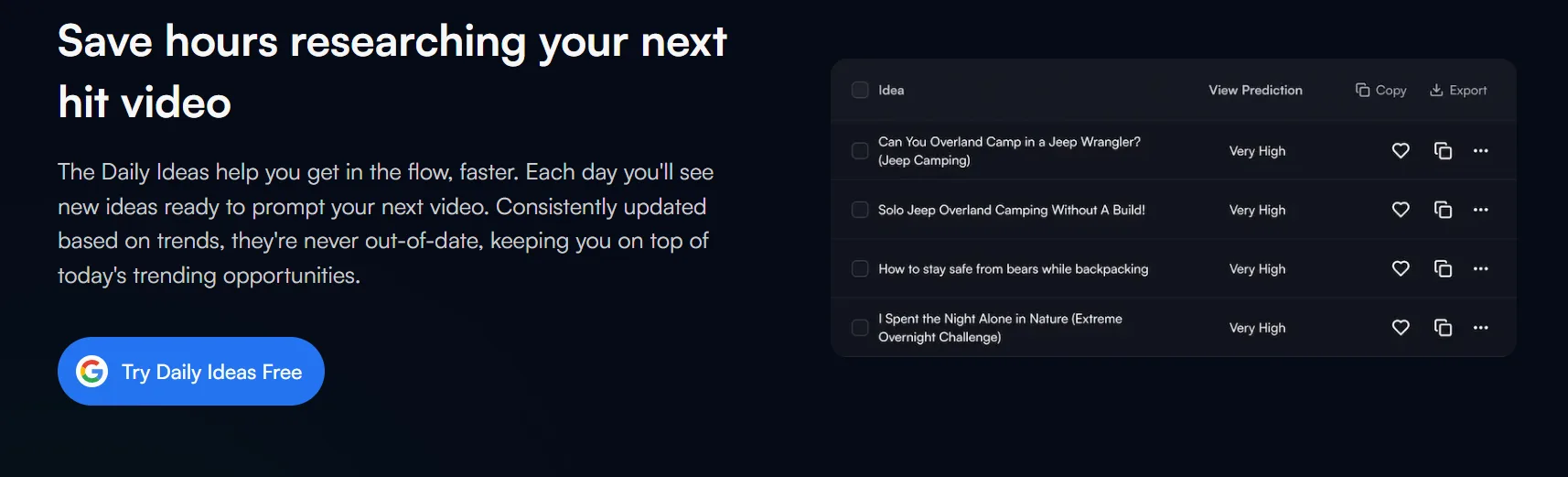
Consistently rated vidIQ's single best feature. It is an AI feed that proposes specific video topics every day, generated from your channel history cross-referenced with current trends in your niche. For a creator whose hardest weekly problem is deciding what to film at all, this removes the blank page.
Some users report channels moving from under 100 views a day to thousands by working this feed consistently, though results vary heavily by niche, execution, and how good the rest of the upload is.
The caveat is causality again: a topic suggestion is a starting point, not a guarantee. The feed tells you what is being searched. It does not film, title, or thumbnail the video for you.
Pro Tip: Do not film every idea the feed hands you. Treat it as a shortlist. Cross-check the two or three that fit your channel against a quick search of who already ranks for them. An idea with demand and weak existing coverage is the one worth your week.
Video Outliers
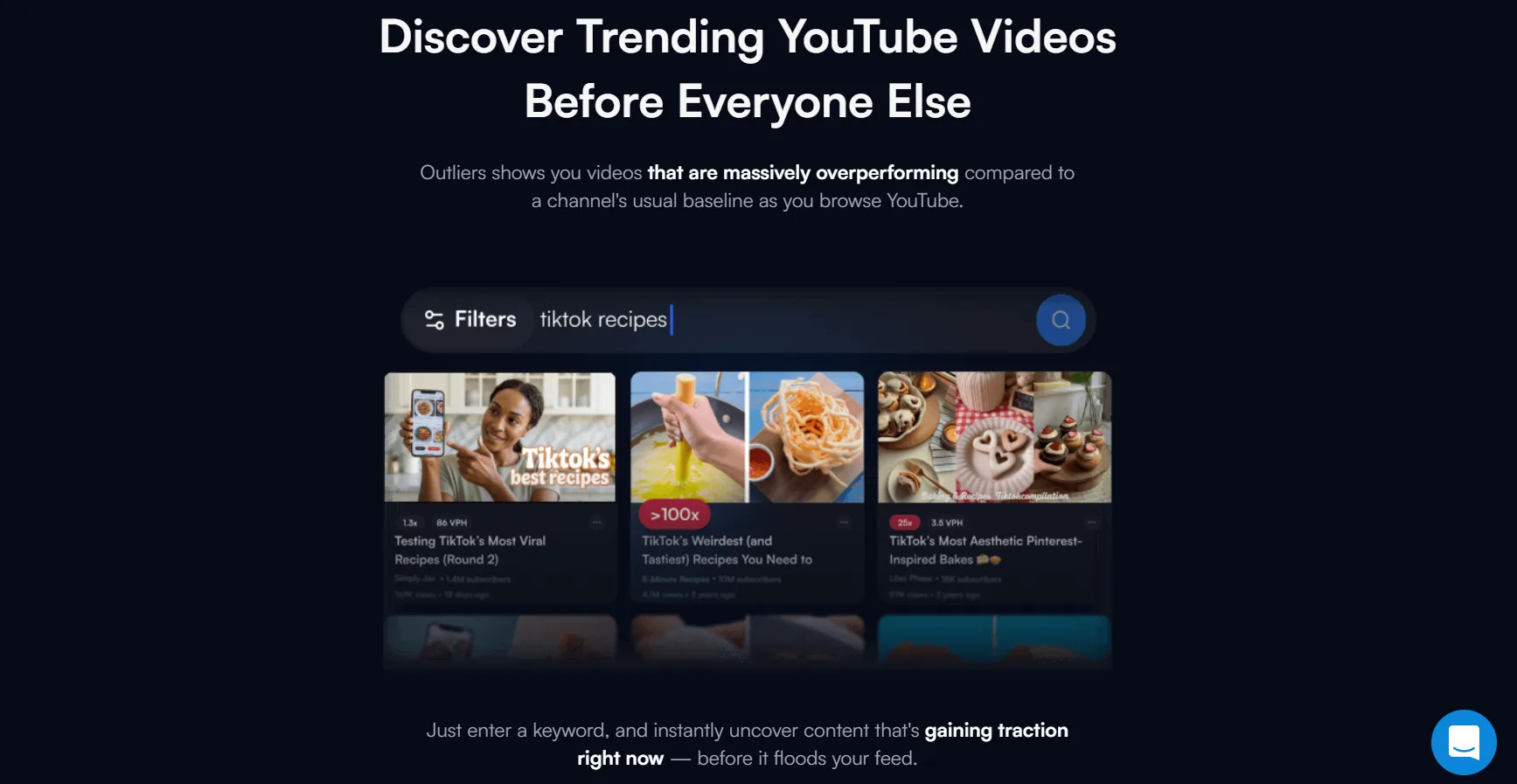
Outliers surface videos that massively overperformed a channel's own average: the one upload that did 10x the channel norm. This is one of the most genuinely useful research signals on the platform, because an outlier is a proven, validated topic and format that already beat expectations for a creator in your space.
Studying a competitor's outliers tells you what their audience rewarded, not what the creator hoped would work.
It is a strong feature and one of the better reasons to look at vidIQ. The same job, finding the videos that broke a channel's pattern, is also exactly what a dedicated outliers view is built for, so it is worth knowing this is replicable elsewhere.
Pro Tip: When you find a competitor outlier, do not copy the topic. Copy the structure: the title pattern, the thumbnail logic, and the angle that made it overperform. The topic was specific to their moment. The pattern is the part that transfers to yours.
Competitor Analysis
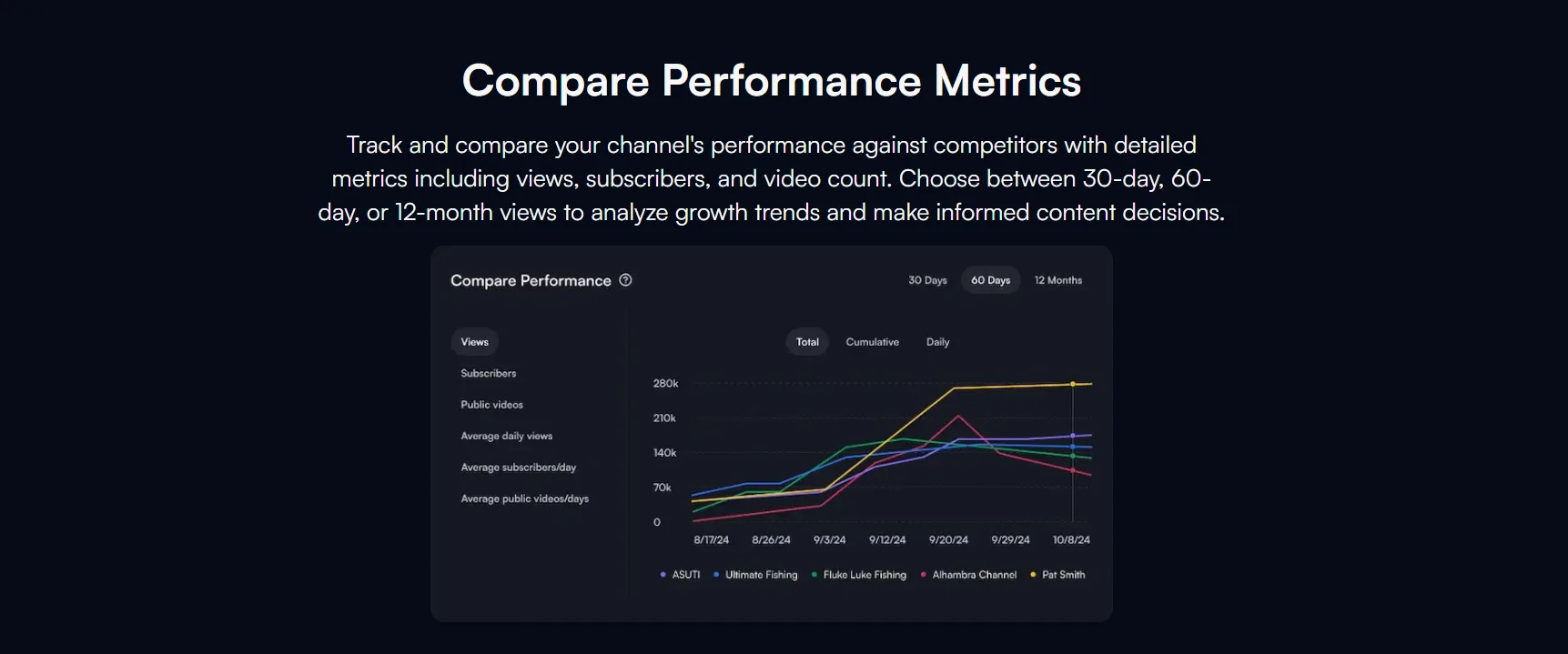
You can add rival channels and track their upload cadence, subscriber trajectory, and best-performing videos over time. Combined with the on-YouTube overlay, it gives a fast read on what is working in a niche. It is broad and convenient rather than deep: it tells you what competitors are doing, with less on the why and the structural patterns behind their wins.
SEO Score and Video Optimization Checklist
For your own uploads, vidIQ generates an SEO score and a checklist: keyword in title, description length, tags, and similar on-page factors. It is a useful discipline tool that stops beginners shipping a video with an empty description or no keyword in the title. It is a checklist, not a strategy. A perfect SEO score on a video nobody wants to click still fails.
Views Per Hour and Trend Alerts
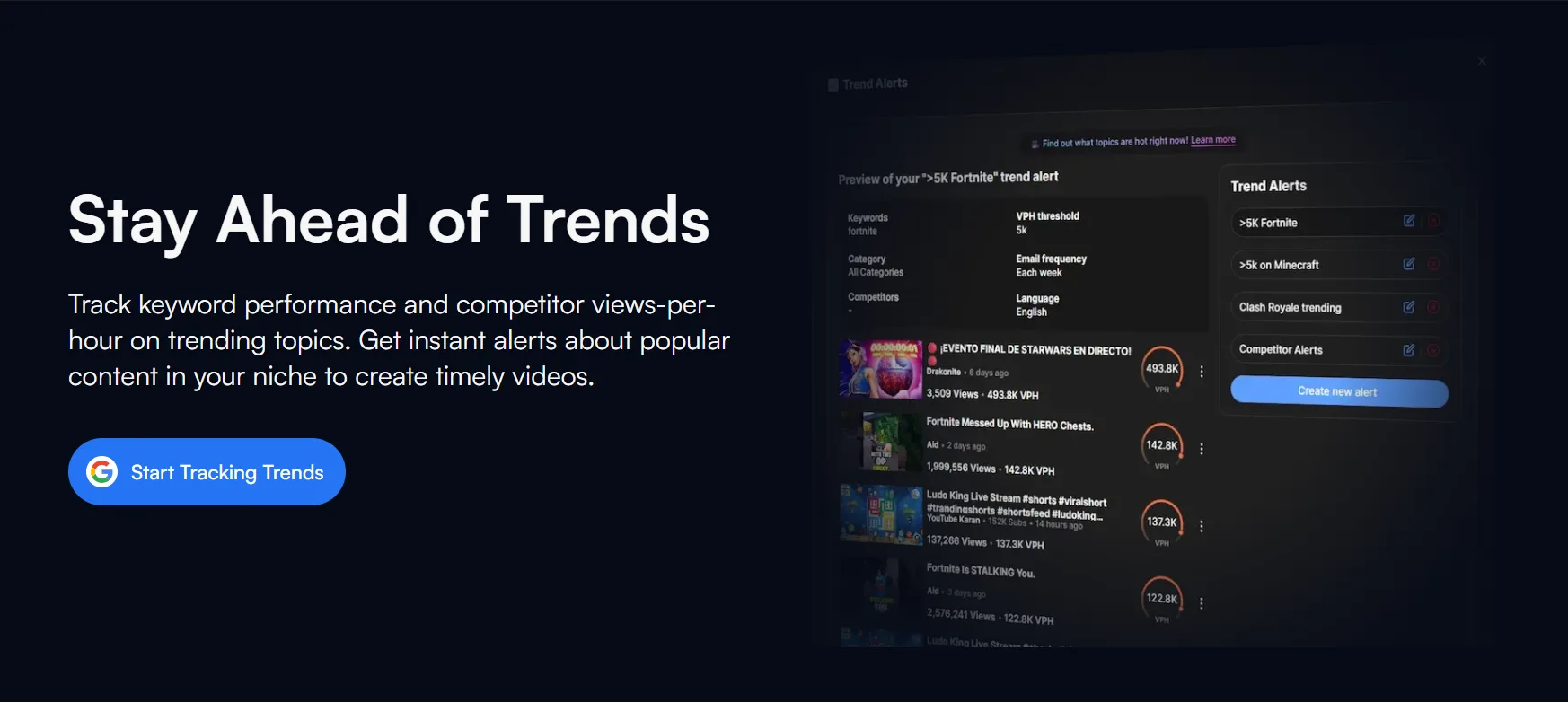
Views per hour (VPH) is the live momentum metric shown on every video in the overlay. It is the fastest way to spot a video that is heating up right now rather than one that accumulated views slowly over a year. Trend Alerts notify you when a topic starts moving in your niche. Both are genuinely useful for timing, and VPH in particular is one of the features people miss most after cancelling.
AI Tools and AI Coach
vidIQ bundles AI generation for titles, descriptions, and tags, plus an AI Coach that answers channel-strategy questions in plain language. The generators are a reasonable first draft accelerator. The honest read across reviews is that the AI output is generic without heavy editing: usable as a starting point, weak as a finished product.
The AI Coach is pitched hard on the higher tiers and is the feature whose value is most debated by paying users.
Thumbnails and Shorts
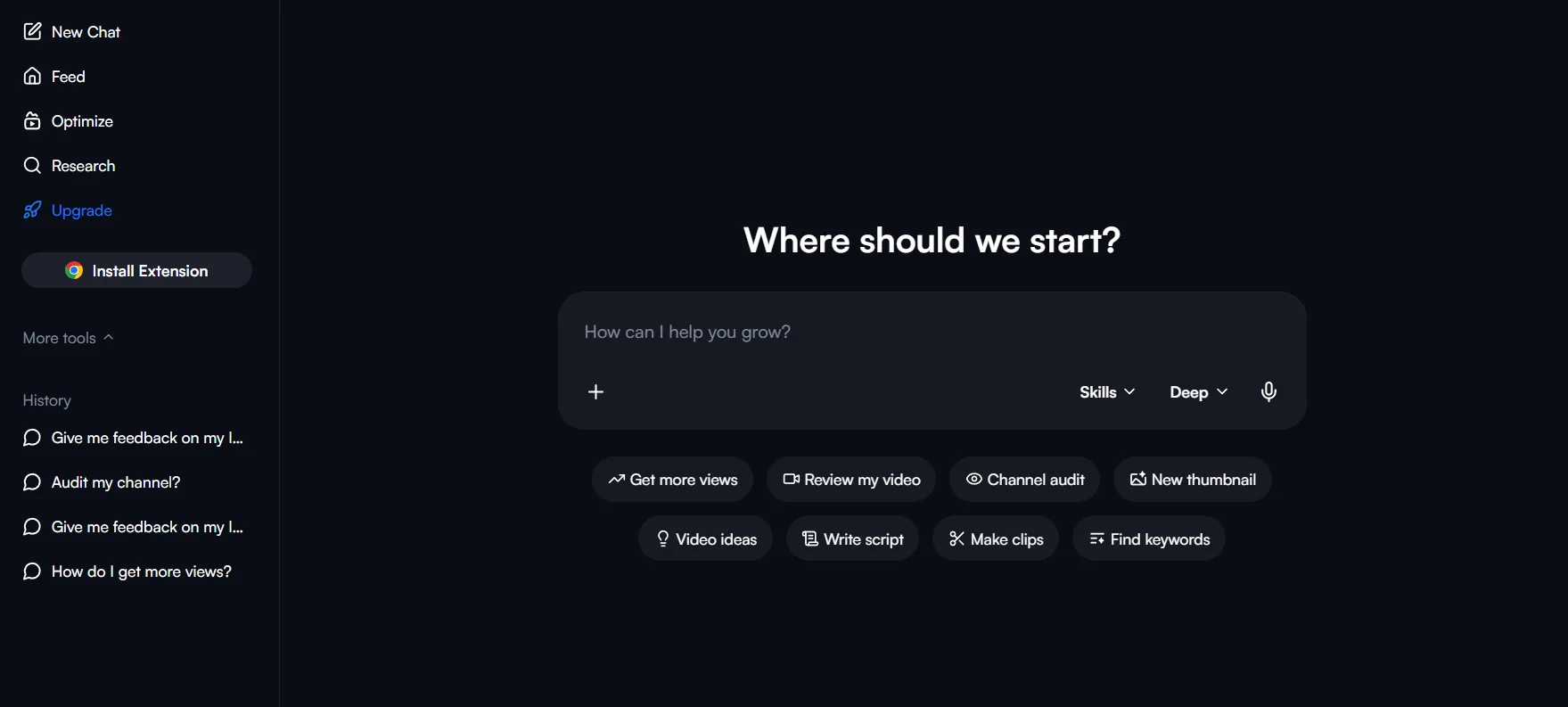
Higher tiers include thumbnail generation and idea tools, plus Shorts clipping that auto-cuts long videos into short-form. These are convenience features rather than category leaders. Thumbnail testing in particular is an area where vidIQ is weaker than tools built specifically for it, which matters because the thumbnail is usually the single biggest lever on whether a video gets clicked at all.
Channel Audit
The channel audit scores your channel as a whole and flags weak spots: under-optimised videos, thin descriptions, low-CTR uploads. It is a sensible periodic health check rather than a daily tool, and it overlaps heavily with the SEO checklist applied across every video at once.
Tags, Bulk Tools, and Productivity
Rounding out the surface is the long tail of the platform. Few people subscribe for these, but a couple of them genuinely save time:
- Tag suggestions and tag copying: Pull a recommended tag set, or lift the exact tags off any competitor video.
- Bulk and mass editing: Update descriptions, cards, and end screens across many videos at once. The real time-saver for channels with a large back catalogue.
- Best time to post: A suggested upload window based on your audience activity.
- Productivity scorecard: Goals, streaks, and an achievement layer to keep you uploading.
That is the honest full picture. Of everything above, Daily Ideas, video outliers, and the speed of the in-browser overlay are the features people genuinely miss when they cancel. Most of the rest is either replicable elsewhere or thinner than the marketing implies.
What vidIQ Feels Like to Use
The extension is the easy part. It installs in seconds and the overlay appears on YouTube with no setup, which is why most people's first impression of vidIQ is positive.
The web platform is a heavier experience: a dense dashboard with a lot of panels, scores, and upsell prompts competing for attention at once. It is not hard to learn, but it is busy, and new creators often report spending the first few sessions figuring out which numbers matter versus which are there to push an upgrade.
The learning curve is short for the extension and moderate for the platform. None of it is technically difficult. The friction is volume of information, not complexity.
vidIQ Pricing in 2026
This is where most people start having second thoughts, so the vidiq price question deserves a clear answer.
vidIQ runs a tiered model, and the exact numbers move constantly because the company runs aggressive promotional discounts and prices differently by region and on-site experiment. Treat the figures below as the typical ballpark rather than a fixed rate card:
| Plan | Typical Price | What You Get |
|---|---|---|
| Free | $0/mo | The extension overlay plus a small monthly AI credit allowance. Capped hard, including only about 12 months of historical data. |
| Pro | ~$7.50/mo (billed yearly) | The entry paid tier. More keyword and competitor data, still limited. |
| Boost | ~$39/mo monthly, ~$16.58/mo billed annually | The real paid tier most upgrade prompts push toward. Higher AI credits, thumbnails, unlimited trends, AI coach. |
| Max | ~$39 to $79/mo | Highest credits, more AI coach usage, clipping tools. |
| Coaching | ~$99 to $159/mo | Adds recurring one-on-one strategy sessions on top of Max. The tier most creators have never heard of until they see the upsell. |
| Enterprise | Custom | Multi-channel teams. |
The pricing gap between monthly and annual is the part vidIQ does not advertise loudly. Boost on a rolling monthly plan is roughly $39, but commit to a full year up front and the effective rate drops to around $16.58 a month. That is less a discount and more a lock-in: you save only by paying twelve months in advance, before you know whether the tool works for your channel.
The honest read: the free tier is real but deliberately capped to push you toward Boost, and Boost on the monthly plan costs roughly the same as a full Adobe or streaming subscription every month. The vidiq prices are not unreasonable for an agency or a full-time creator.
For a beginner channel with no revenue yet, that figure is the friction point. If you want the wider context, we previously compared the main YouTube SEO tools side by side.
Pro Tip: Always start on the monthly plan, never the annual one, no matter how good the discount looks. Use it for one full month against your real workflow. The annual rate only saves money if the tool still earns its place after you know whether it works for your channel, and you cannot know that on day one.
vidIQ vs TubeBuddy and Social Blade
Almost nobody evaluates vidIQ in isolation. The two names that always come up in the same search are TubeBuddy and Social Blade, so here is the honest positioning of each:
| Tool | Strength | Weakness | Best For |
|---|---|---|---|
| vidIQ | Daily Ideas, fast on-YouTube overlay, broad feature set | Aggressive upsell, billing complaints, pricey at Boost | Creators who want ideas and research in one place |
| TubeBuddy | In-Studio workflow tools, bulk editing, A/B thumbnail testing | Less idea generation, similar paywall structure | Creators who live inside YouTube Studio editing |
| Social Blade | Free public stats and ranking estimates | Surface-level, no optimisation or research tooling | Quick channel stat checks, not a workflow tool |
The short version: vidIQ and TubeBuddy solve overlapping jobs with different emphases (vidIQ leans research and ideas, TubeBuddy leans Studio workflow), while Social Blade is a stats lookup, not a competitor to either on actual optimisation. None of the three removes the need for a strong thumbnail and hook.
Where vidIQ Frustrates People
An honest vidiq review cannot skip this part. vidIQ sits at a respectable 4.3 out of 5 on Capterra across 61 verified reviews, so this is not a product in real trouble. But on public review platforms like Trustpilot, Capterra, and the Better Business Bureau, the same five complaints come up repeatedly, and they are worth knowing before you put a card in:
- Billing and cancellation. The single most common complaint is that cancelling is harder than signing up, with users reporting continued charges after they believed they had cancelled and difficulty getting refunds. This shows up often enough across independent platforms to treat as a known risk, not an isolated incident.
- Data accuracy. Users frequently report that vidIQ's keyword volume and competition numbers do not match what they see in YouTube's own data. The scores are directional, not precise, and treating them as exact figures leads to bad decisions.
- The causality trap. The complaint underneath most negative reviews. vidIQ tells you what is being searched. It cannot make your video rank. Creators target a "green" keyword, the video does not take off, and they conclude the tool is broken, when a weak thumbnail or hook is what lost the placement. No research tool replaces that.
- The good stuff is paywalled. The extension hooks you with visible-but-locked numbers. The keyword depth, competitor tracking, and AI tools that inform decisions sit behind Boost. A lot of the value you see is intentionally just out of reach until you pay.
- Extension performance. A smaller but recurring complaint on Capterra: the Chrome extension's constant on-page overlay can noticeably slow down lower-spec machines, especially with several tabs of YouTube open at once. Worth testing on your own setup before you build a daily workflow around it.
None of this makes vidIQ a scam. It makes it a tool with an aggressive upgrade funnel and a billing experience that has annoyed a meaningful number of paying users. Go in with that expectation set.
Pro Tip: If you subscribe, screenshot the confirmation the moment you cancel and note the date. The recurring billing complaint is almost always a dispute over whether a cancellation went through. A timestamped screenshot is the one piece of evidence that ends that argument fast.
vidIQ Customer Support
Support is its own line item in most honest vidiq reviews, because it is where the billing complaints become real-world friction. The channels on offer:
- Help Center: Solid self-serve documentation. Handles most product questions on its own.
- In-app AI Coach: Fast for "how do I use this feature" type questions.
- Email: Works for non-urgent issues. Response times vary.
- Live chat: Chatbot-first. Getting to a human is the slow part.
Day-to-day product help is handled reasonably well. The weak point is account and billing support specifically. Users repeatedly report slow responses and chatbot-first handling exactly when the issue is a charge or a cancellation, which is the worst possible moment to be stuck in a queue. Treat the documentation as your main support channel and do not count on fast human help for a billing dispute.
Get the same research jobs done without the monthly billKeyword research, competitor analysis, and an SEO studio in one place. Free to start, no card required.Try the free alternative →The Free Alternative: How to Cover the Same Jobs
If you strip vidIQ down, you are paying Boost-level pricing for four jobs: finding keywords, studying competitors, optimising titles and descriptions, and generating ideas. Each of those is a job, not a brand, and each can be done without a recurring subscription.
Keyword Research
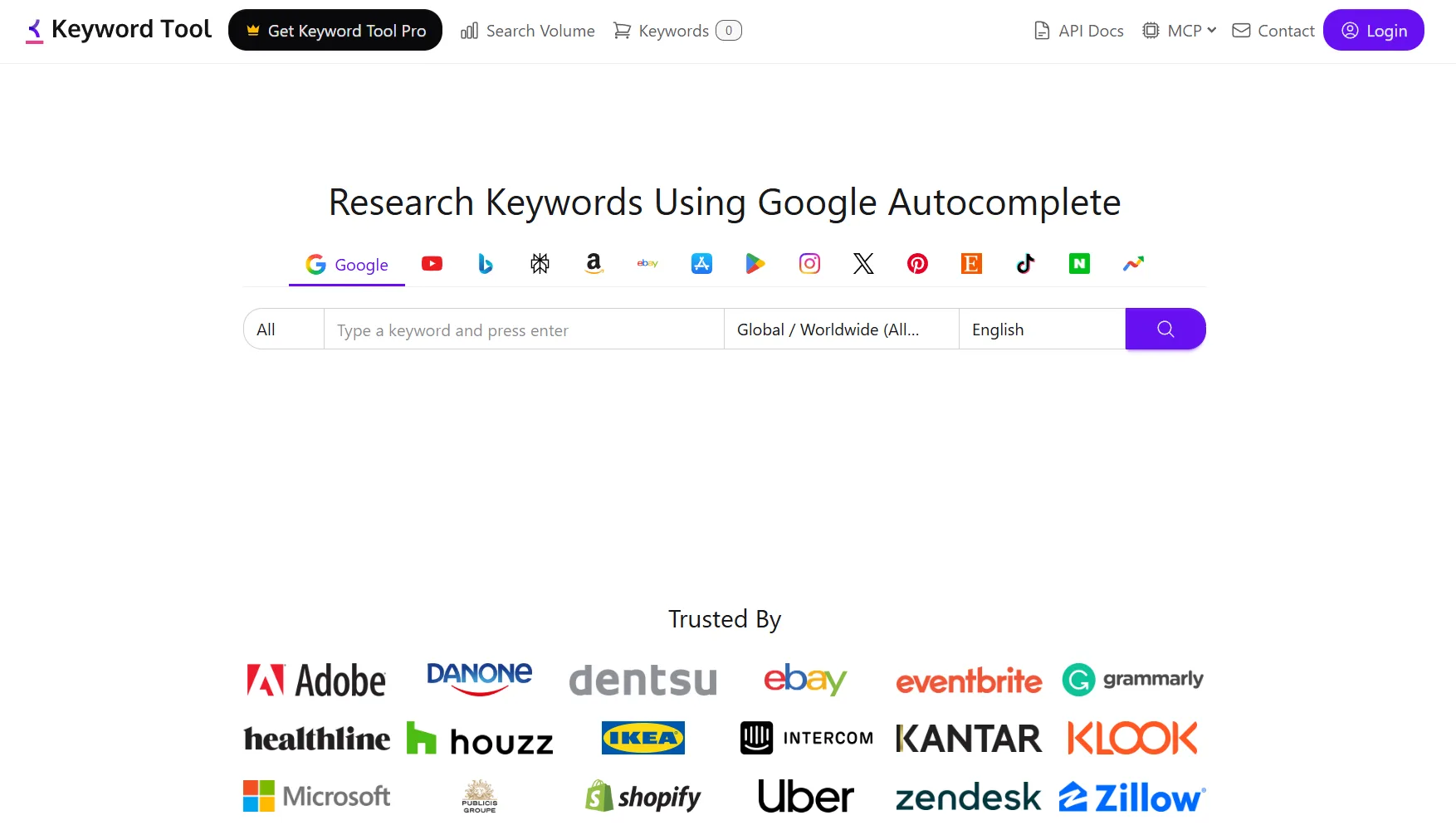
The reason people pay vidIQ is to know what to make a video about. YTGrowth's keyword research pulls live search data and competition for the phrases you are considering, which is the same job the locked vidIQ keyword tab is doing, without the Boost paywall in front of it.
And if you want a starting point with no account at all, the free keyword research tool gives scored keyword ideas straight from YouTube autocomplete in seconds, the same first move vidIQ gates behind its keyword tab.
Competitor Analysis
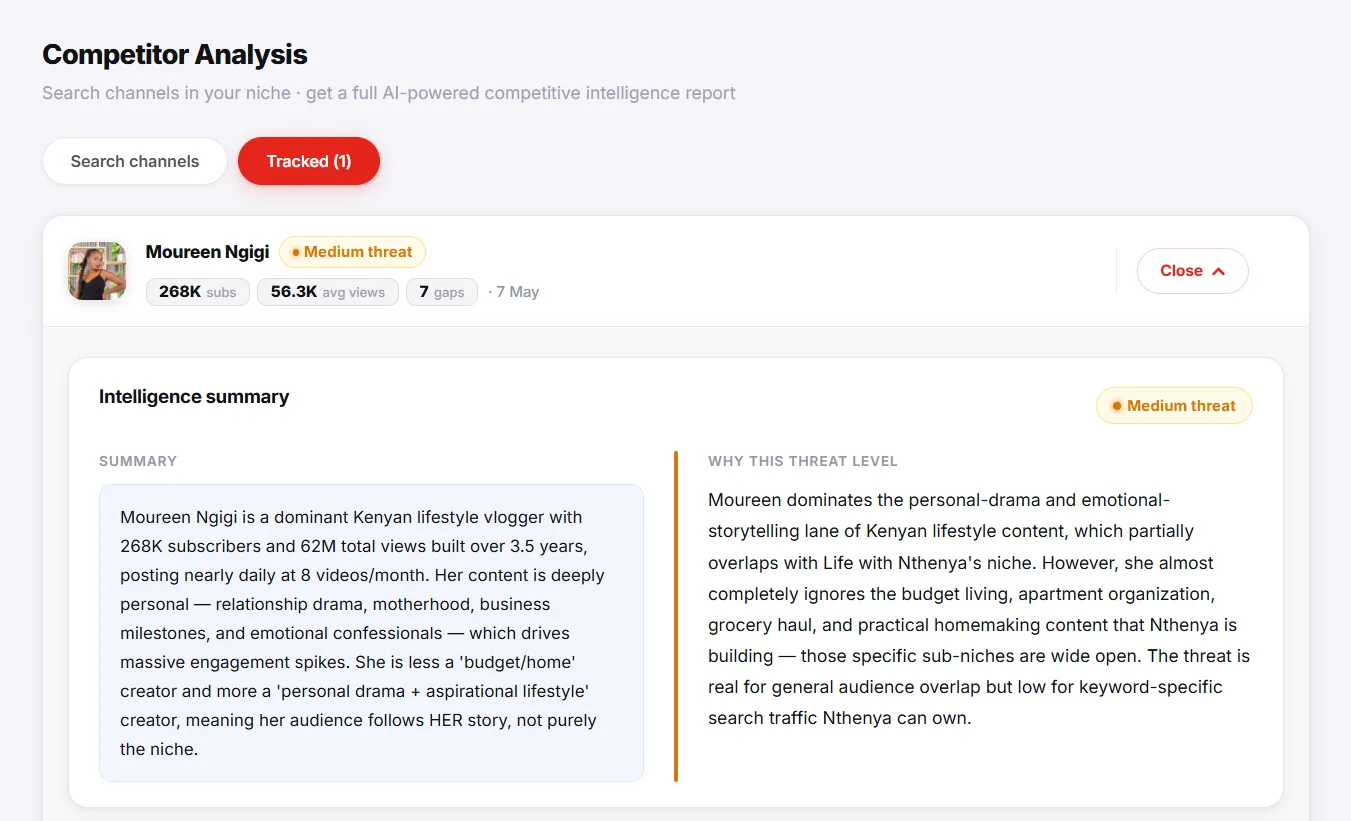
The vidIQ extension overlay is fast but shallow. A dedicated competitor analysis goes deeper: it pulls the actual upload patterns, outlier videos, and title structures from the channels you are up against, which is the research the overlay only hints at.
Title and Description Optimisation
vidIQ's in-extension keyword hints while you type are the feature people miss most when they cancel. The SEO Studio does the same job as a dedicated workspace: it scores your title and description against the keyword you are targeting and tells you what to change before you publish.
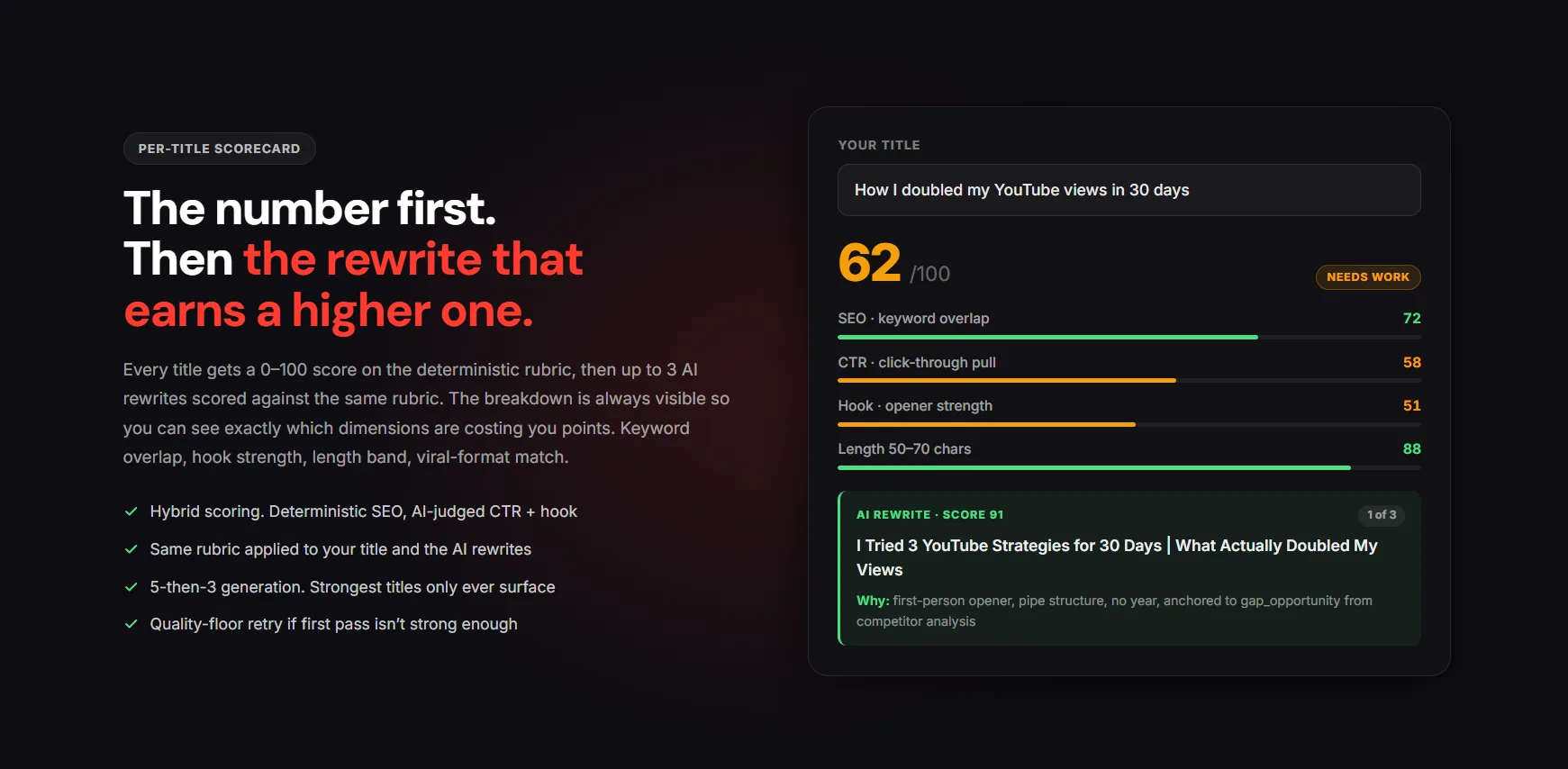
That covers three of vidIQ's four core jobs without a monthly charge. The fourth, idea generation, is the one place a free ideas tool genuinely matches the paid feed for a beginner.
Who vidIQ Is Still Right For
This is not a hit piece. Whether vidIQ is worth it comes down to which creator you are.
vidIQ is the right call if you are:
- Running a monetised channel or an agency where $39 a month is a rounding error against revenue.
- Researching daily, so the speed of the on-YouTube overlay genuinely compounds.
- Using Daily Ideas and outliers as a weekly habit, not a one-off.
vidIQ is the wrong call if you are:
- Pre-revenue, with no income to absorb a recurring tool cost yet.
- An occasional user who would touch the data twice a week at most.
- Someone already burned by the billing pattern and unwilling to risk it again.
If you are in the first group, the feature worth the upgrade is the in-browser research speed. Pair it with disciplined thumbnail testing and the tool earns its keep. If you are in the second, paying Boost pricing every month for numbers you use twice a week is the wrong trade.
The Verdict
vidIQ in 2026 is a strong free extension attached to an expensive platform with an aggressive upgrade funnel and a billing reputation worth respecting. The extension is worth installing. The Boost subscription is worth it only if your channel already earns enough that the monthly cost is invisible to you.
For everyone else, especially creators still building toward their first revenue, the same four jobs are covered without a recurring bill. The honest summary:
- Install the free extension. The overlay and views-per-hour are worth having at zero cost.
- Skip Boost unless your channel revenue makes the monthly cost invisible.
- If you do subscribe, stay monthly, screenshot every cancellation, and never auto-roll into the annual lock-in.
- Cover the four jobs free: keyword research, competitor analysis, optimisation, and ideas, until revenue makes the question irrelevant.
Running a free channel audit first will also tell you which of those jobs is your bottleneck, so you spend effort where it moves the channel rather than paying for features you will not use.
Pro Tip: Do not pay for any YouTube tool until you can name the single metric it is supposed to move for you. "It has lots of features" is how creators end up subscribed to something they open twice a month. Pick the one job that is your bottleneck, solve that for free first, and only pay when a tool clearly beats the free option at it.
vidIQ Review FAQ
Is vidIQ free?
The vidIQ Chrome extension is free and genuinely useful on its own. The free tier of the platform exists but is heavily capped to push you toward the paid Boost plan. So vidIQ is free to start, not free to rely on at depth.
Is vidIQ worth it in 2026?
For a monetised channel or agency where $39 a month is negligible, the paid plan can be worth it for the on-YouTube overlay alone. For a pre-revenue creator, it usually is not, because the core jobs can be done without a subscription.
How do I cancel a vidIQ subscription?
Cancel from the vidIQ web dashboard under account or billing settings, not through the Chrome extension. Do this before your renewal date, since vidIQ bills in advance and refunds are not guaranteed once a cycle starts. Given how often billing disputes show up in reviews, screenshot the cancellation confirmation the moment you see it.
Does vidIQ support multiple YouTube channels?
Yes, but it is priced per channel on most tiers, not pooled. Max and Enterprise are built for agencies managing several channels, while Boost is really sized for one channel done well. Running three channels on Boost-level plans multiplies the monthly cost fast, so check the per-channel math before committing an agency workflow to it.
Is the vidIQ Chrome extension safe?
Yes. The vidiq extension is a mature, regularly updated product available through the official browser stores with millions of users. The complaints are about billing and data accuracy, not security.
Is vidIQ better than TubeBuddy?
Neither wins outright, they solve overlapping jobs with different emphasis. vidIQ leans toward research and daily content ideas; TubeBuddy leans toward in-Studio workflow tools like bulk editing and A/B thumbnail testing. If your bottleneck is deciding what to film, vidIQ's Daily Ideas has the edge. If it is production workflow inside YouTube Studio, TubeBuddy fits better.
What is the best free vidIQ alternative?
The strongest free alternative covers vidIQ's four core jobs (keyword research, competitor analysis, title optimisation, and ideas) without a recurring charge. Spotting video outliers in your niche is the highest-leverage of those jobs and the one most worth doing weekly.
The short version: install the free vidIQ extension, skip the Boost subscription unless your channel already pays for it without thinking, and run the same research jobs through a free alternative until your revenue makes the question irrelevant.