A YouTube tag finder is a research tool that tells you exactly which keywords viewers are typing into YouTube before they find a video like yours.
Most creators pick tags based on what feels relevant. That approach leaves your video competing for the wrong audience or missing search traffic entirely. The tags you add to your video are a direct input into how YouTube maps your content to the search queries and suggested feeds it appears in.
This guide covers how a YouTube keyword tool works, how to use one correctly, and how to turn the results into a tagging system that improves discoverability on every upload.
What Is a YouTube Tag Finder?
A YouTube keyword search tool that specifically surfaces tag recommendations is what most creators refer to as a tag finder. It pulls real search data from YouTube and returns a list of keywords ranked by search volume, competition level, and relevance to your topic.
The difference between using a tag finder and guessing is specificity. When you type a topic into a YouTube keyword generator, it returns the exact phrases viewers are using, not variations you think they might use. Those are often two very different things.
A good keyword research tool will show you three things for every tag it suggests: how many people are searching for it, how many videos are already competing for it, and how closely it matches your video's topic. Without those three data points, you are adding tags blind.
Tag finders also surface long-tail keyword variations you would never think to include manually. A video about "budgeting tips" might have stronger reach potential under "how to budget your money for beginners" because that is the exact phrase with real search volume and lower competition.
Why YouTube Keyword Research Matters
YouTube is the second largest search engine in the world. Every search query typed into it is a signal of intent, and YouTube keyword research is how you connect your content to those signals before you upload.
When you add tags to a video, you are not decorating it. You are telling the algorithm which search queries your content should appear in and which suggested feed placements it qualifies for. Inaccurate or missing tags mean YouTube has to guess your content's topic, and it will often guess wrong.
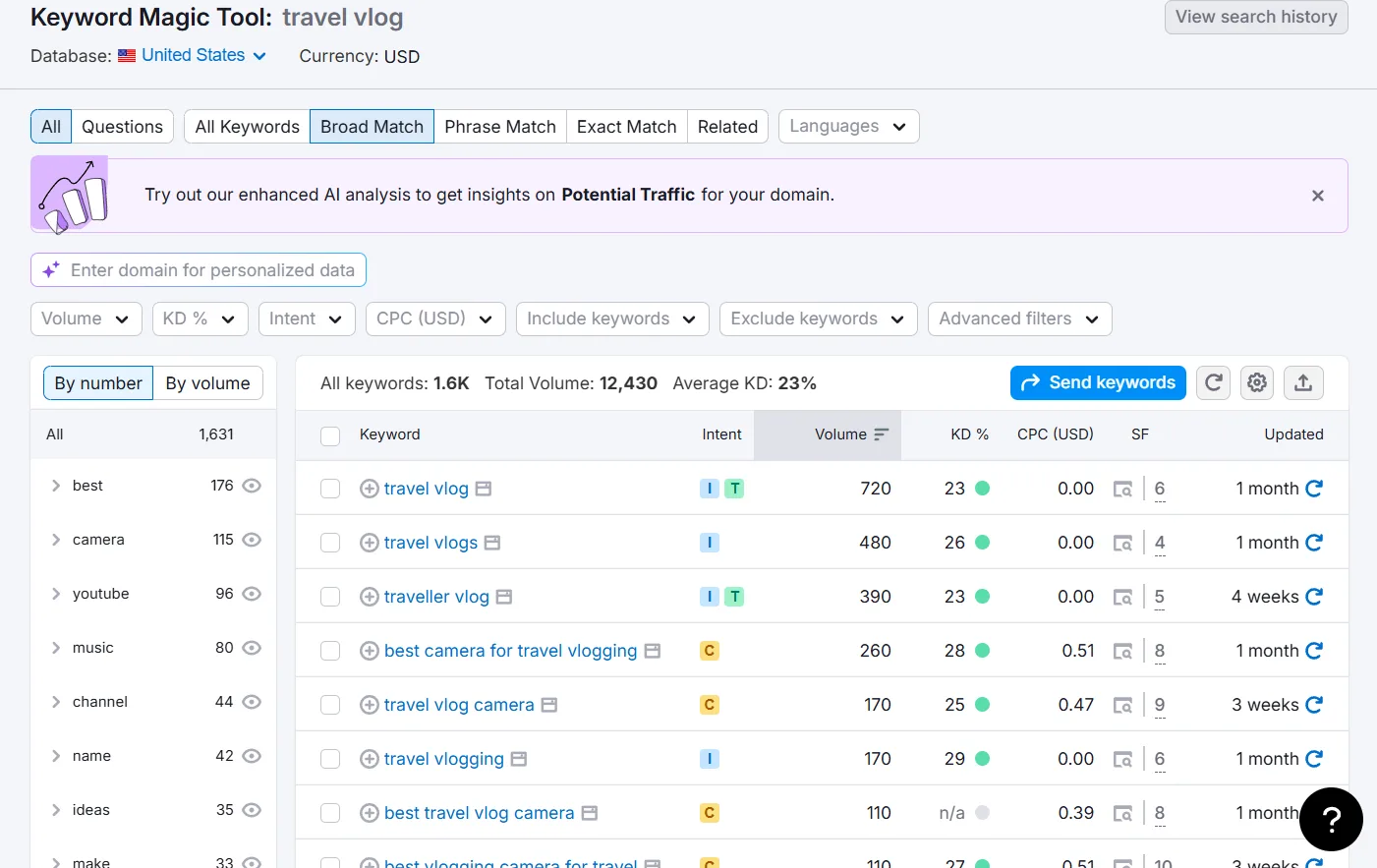
The creators consistently pulling search traffic are not more talented. They are doing keyword search for YouTube before they film, not after. They know which phrases have volume, which have low competition, and which ones their target audience is actively using right now.
This is where most beginner creators lose ground to established channels. Established channels research first and create second. Their tags are not an afterthought, they are part of the video strategy from the start. The Keyword Explorer in YTGrowth is built specifically for this, pulling live YouTube search data so you can see exactly what your target audience is searching for before you hit record.
How to Do a Keyword Search for YouTube
A YouTube keyword search starts with your core topic, not your video title. Enter the broadest version of your subject into a keyword tool and let the data show you which specific angles have the most search demand.
Here is the correct process:
- Enter your broad topic into your YouTube keyword tool free or paid option of choice.
- Filter results by search volume. Focus on keywords with consistent monthly searches, not one-time spikes.
- Check the competition level. High volume with low competition is the target. High volume with high competition means established channels will outrank you.
- Select 5 to 10 tags that are directly relevant to your specific video, not just your general niche.
- Add your selected tags to the Tags field in YouTube Studio before publishing.
Pro Tip: Do not just target the highest volume keyword. A video from a small channel ranks faster on a specific long-tail phrase like "youtube keyword research for beginners" than on a broad term like "youtube tips" where it competes against channels with millions of subscribers.
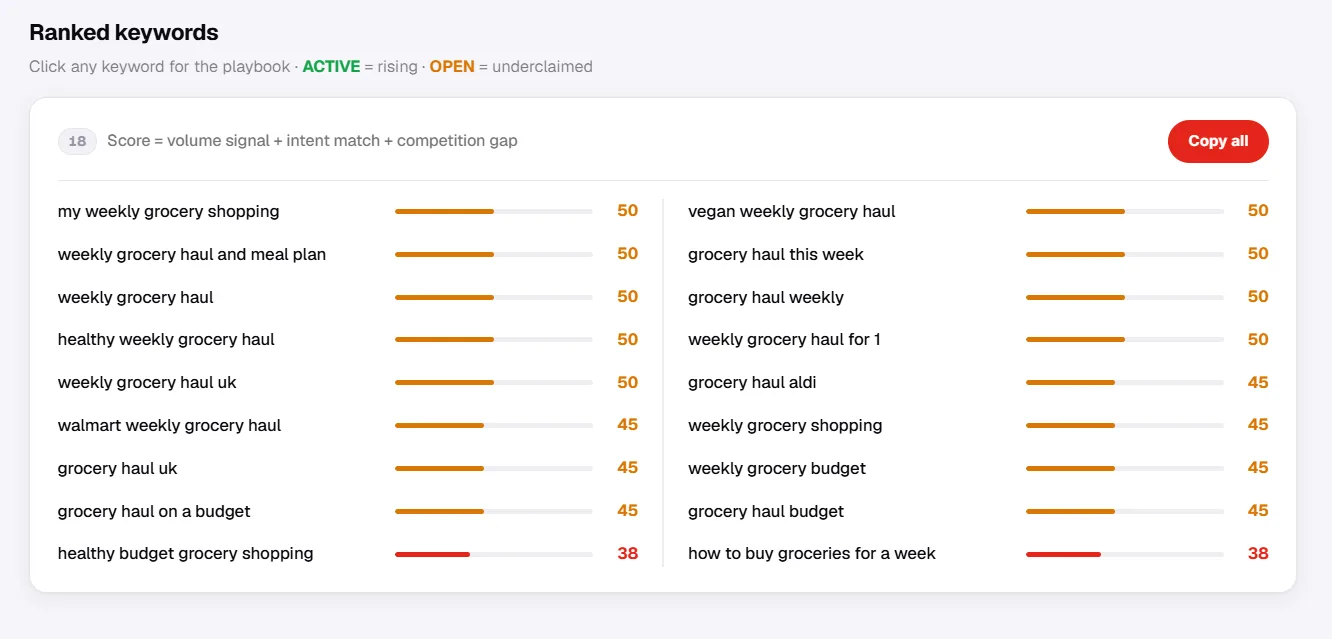
What to look for in your results:
- Search volume above 1,000 monthly searches
- Competition score below 50 out of 100
- Keywords that match the exact topic of your video, not just your niche
- Long-tail variations that include intent words like "how to", "best", "for beginners"
Pro Tip: Run your top competitor's best-performing video through Competitor Analysis to see which keywords are driving their traffic. Build your tag list around the gaps they are leaving open, not the keywords they are already dominating.Find low-competition keywords with real YouTube dataKeyword Explorer pulls live search volume and competition scores so your tags target phrases you can rank for, not ones you hope might work. Free tier included.Open Keyword Explorer →
Free vs Paid YouTube Keyword Tools
A YouTube keyword tool free option is a valid starting point, but it comes with limitations that affect the quality of your research the more seriously you take your channel.
Free tools typically give you:
- A limited number of searches per day
- Basic search volume data with no competition scoring
- No historical trend data to identify seasonal keywords
- No competitor keyword analysis
Paid tools give you the full picture. Full search volume, competition scoring, trend data, and the ability to research what keywords competing channels are ranking for. That last point is where the gap between free and paid becomes most significant.
Pro Tip: If you are just starting out, use free tools to build your initial tag lists. Once you are uploading consistently and want to understand why some videos get search traffic and others do not, that is when a paid YouTube keyword research tool free trial is worth running to see the difference in data depth.
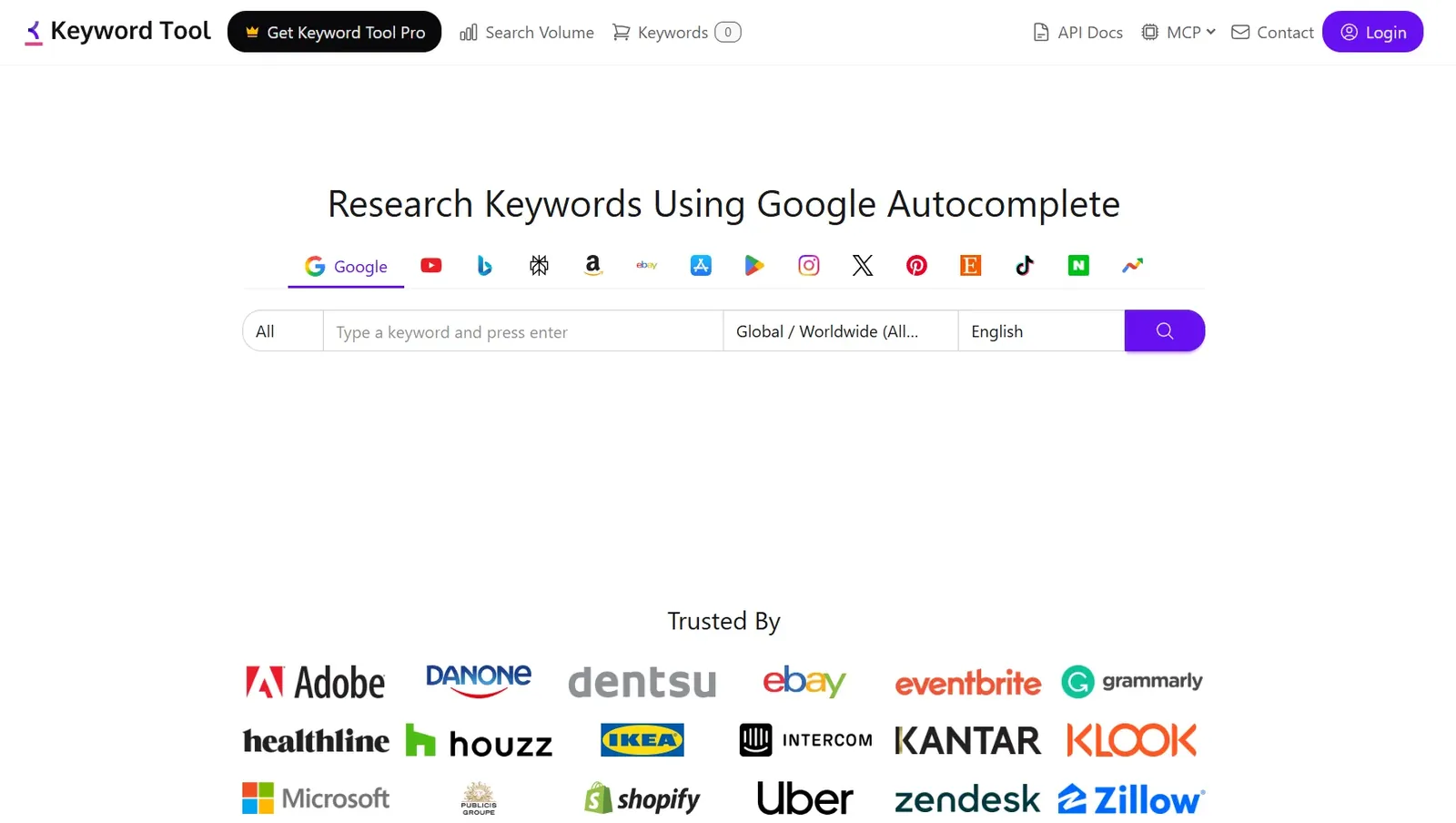
keyword tool io YouTube is one of the more widely used free options. It pulls YouTube autocomplete data and organizes it into a usable list. The limitation is that it shows you what people search for but not how competitive those keywords are to rank for.
For a complete YouTube keyword research tool that combines keyword data with channel audit insights and competitor analysis in one place, YTGrowth gives you the Keyword Explorer alongside every other growth tool your channel needs, without switching between five different platforms.
How to Use Your Tags After Finding Them
Finding the right keywords is only half the process. How you place them determines whether they improve your reach.
Once you have your tag list from a YouTube keyword generator, distribute them across three places:
- Video title: Include your primary keyword naturally. Do not stuff it. One clean placement in the title carries more weight than three forced ones.
- Description: Place your main YouTube keyword search terms in the first two to three lines. YouTube reads the description as context for ranking, and the first lines carry the most weight.
- Tags field in YouTube Studio: Add your full list of 5 to 10 researched tags here as exact phrases, not single words.
Pro Tip: Use your primary keyword in the title, a natural variation of it in the first line of the description, and the long-tail versions in the Tags field. This gives YouTube three consistent signals about your content's topic without repeating the same phrase verbatim across all three placements.
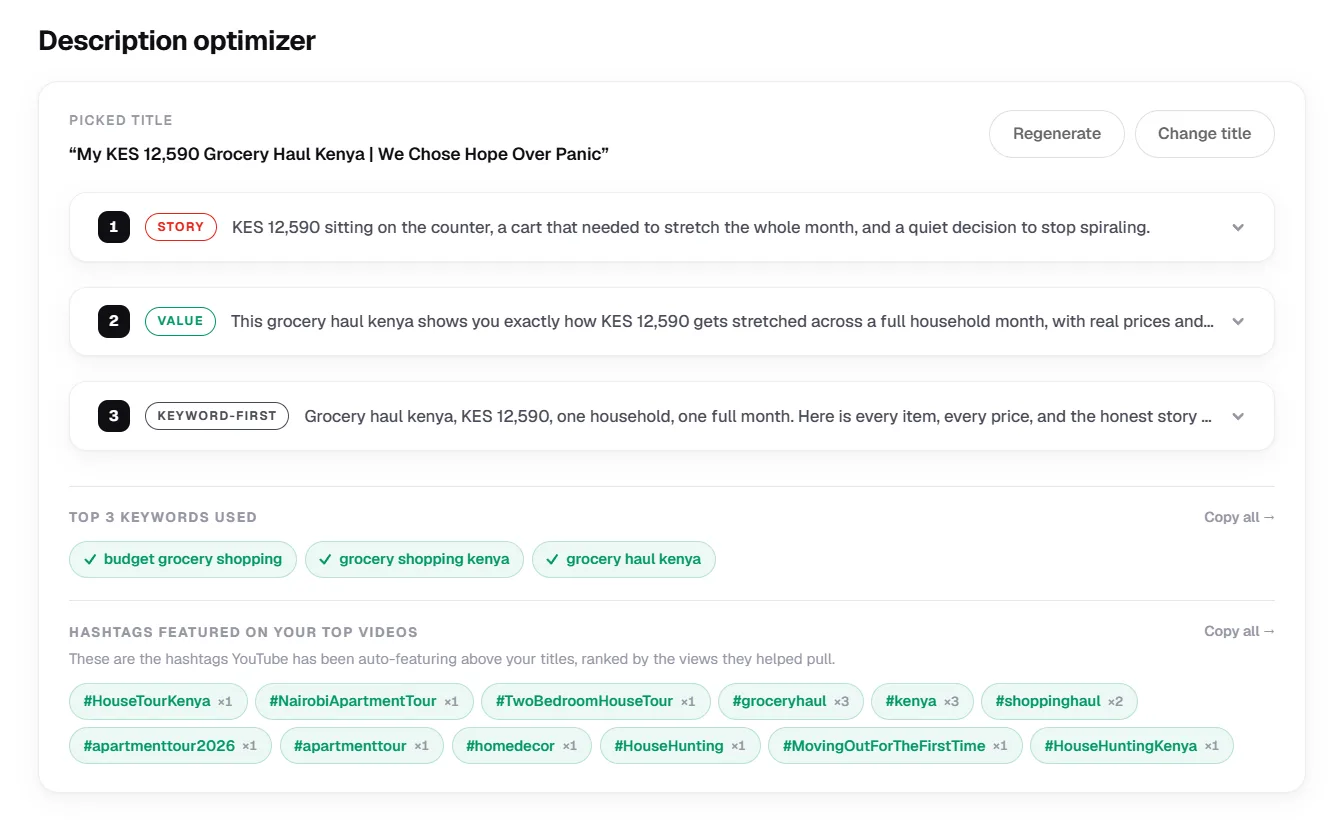
If you have already read our guide on YouTube shorts tagging, you will recognise this as the same principle behind the 3-tier hashtag strategy. Broad tags signal format, niche tags signal audience, and your researched metadata tags signal search intent. All three work together as one system.
The goal is consistency. Every placement should reinforce the same topic signal. Conflicting signals across your title, description, and tags are one of the most common reasons well-researched keywords still fail to generate search traffic.
Start Researching Before You Record
A YouTube tag finder is not a tool you use after your video is done. The best time to run your YouTube keyword research is before you film, so your title, description, and tags are all built around phrases with proven search demand.
The process is straightforward. Find keywords with real volume and low competition, place them consistently across your title, description, and Tags field, and repeat the same system on every upload. Tags are not a one-time fix, they are a habit.
For creators who want keyword data, competitor insights, and channel performance all in one place, YTGrowth pulls live search data alongside every other growth tool your channel needs to move from invisible to discoverable.