A YouTube channel can become a Brand Account without anyone deliberately choosing one. The moment a channel's name stops matching the owner's personal Google name, YouTube quietly creates a Brand Account to hold it, no prompt, no confirmation screen. That single fact confuses more creators than almost anything else this guide covers.
This covers both directions: creating a Brand Account on purpose, from scratch or by converting an existing personal channel, and the feature that justifies the switch, roles and permissions that let someone manage your channel without ever seeing your Gmail password. If you have not decided between account types yet, the setup guide covers that decision first.
Why Your Channel Might Already Be One
Check before you assume: open YouTube Studio → Settings → Channel → Advanced settings. If you see an option to move or manage a Brand Account rather than a plain personal-channel label, YouTube already converted you at some point, usually the moment you renamed your channel away from your own name.
A second, quicker test: try inviting someone as a channel manager. Personal channels do not offer this option at all, since there is no separate identity to grant access to. If the invite flow exists, you are already on a Brand Account.
Creating One From Scratch
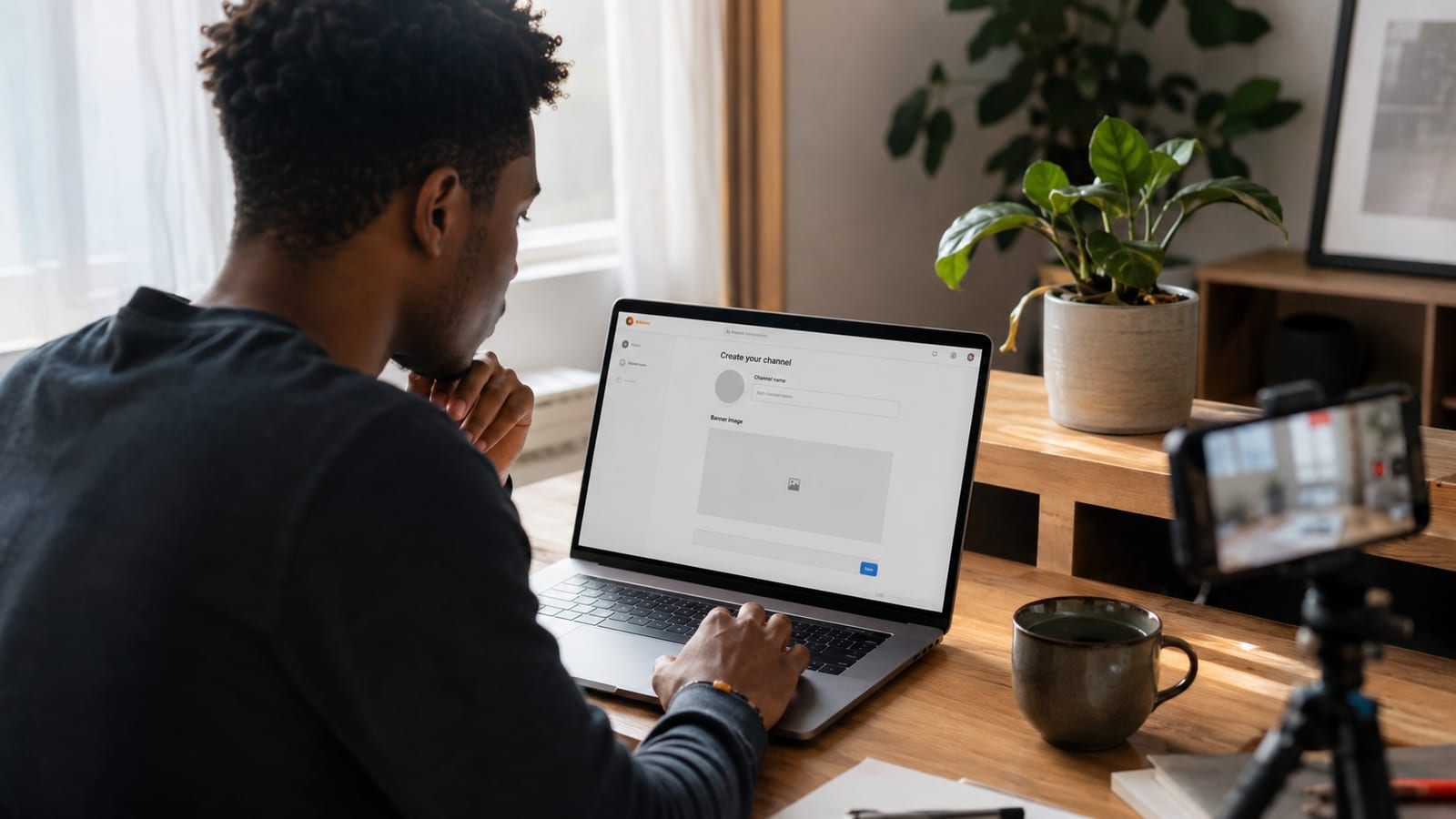
The exact tap sequence depends on whether you are starting on desktop or mobile. The full setup guide covers the desktop flow, and the phone-only guide covers the mobile path, Settings → Create a new channel → "Use a business or other name." Both roads end at the same place: a channel with its own identity, ready for the permissions below.
Converting an Existing Personal Channel
In YouTube Studio → Settings → Channel → Advanced settings, select Move channel to a Brand Account. YouTube then walks you through either creating a new Brand Account or moving into one that already exists.
Two things break in the move, and almost nothing else covers either one clearly:
| What happens | What to do about it |
|---|---|
| Comments deleted | Any comment your channel posted on other videos, as itself, is permanently removed. There is no recovery after the fact. |
| Custom URL reset | Your custom URL often needs to be re-verified or re-claimed post-move. Write down the exact URL and eligibility details first. |
Quick Tip: export a full backup with Google Takeout before converting, videos, comments, and settings included. It costs five minutes and undoes nothing if the move goes smoothly, but it is the only safety net if something does not transfer the way you expected.
Roles and Permissions, in Real Depth
This is the feature that makes a Brand Account worth the setup. Every person you add gets exactly the access their task requires, never your password:
| Role | Can do | Cannot do |
|---|---|---|
| Primary Owner | Everything, including deleting the channel and reassigning every other role | Nothing is restricted |
| Owner | Upload, edit, manage other managers, view full analytics | Cannot delete the channel or move it to another Brand Account |
| Manager | Upload, edit videos, respond to comments, view analytics | Cannot delete the channel or manage other people's permissions |
| Communications Manager | Respond to comments and messages, view analytics | Cannot upload, edit, or change any channel settings |
Start every new person at the lowest role their task needs. An editor who only touches thumbnails and titles does not need Owner access, and a social media assistant answering comments needs Communications Manager, not Manager. Permissions are easy to raise later and much harder to walk back once someone has grown used to full access.
Adding a Manager
In YouTube Studio, go to Settings → Permissions → Manage Permissions. This opens the Brand Account's permissions page directly. Click Invite New Users, enter their email, and assign the role from the table above.
The invited person accepts through their own Google account, so their existing login works immediately, no new password, no shared credentials, and removing access later is a single click on your end whenever the working relationship ends.
Why Teams Want This
Two reasons come up again and again, and neither is really about the "team" framing most explainers lead with:
- Nobody shares a password. A personal channel forces you to hand over your actual Gmail login to give someone editing access, which means they can read your email too. A Brand Account grants exactly the channel access needed and nothing else.
- Regular managers survive staff turnover. When an employee or contractor with Manager or Owner access leaves, revoking it is a single click, and the channel itself never moves.
Pro Tip: that survival guarantee has one exception, and Google states it plainly: if the Primary Owner's Google account is ever deleted, the channel is deleted with it. Never make an outside contractor or an employee who might leave the Primary Owner. Keep that role with a Google account the business itself controls, and give everyone else Owner or Manager access instead, both of which are safely revocable.
One more restriction worth knowing before you need it: Google requires you to have held Owner status for at least 7 days before you can remove another owner or manager, or transfer Primary Owner status to yourself. Plan management changes a week ahead rather than the day they become urgent.
About to hand off management to someone new?Run a free Channel Audit first, so whoever you bring on inherits a clear list of what's already working and what needs fixing.Start my audit, $5 →Who Should Use One
A Brand Account earns its setup time the moment more than one person touches the channel. That covers agencies managing client channels, often alongside a Competitor Analysis workflow across several accounts at once, businesses with a marketing team, ecommerce brands with rotating staff, media companies, and any creator handing off editing or thumbnail work to someone else.
Stay personal if the channel will always be a one-person operation tied to your own name. The setup is faster, and there is no permissions system to maintain because there is nobody else to grant access to.
Frequently Asked Questions
What is the difference between a personal YouTube channel and a Brand Account?
A personal channel is tied directly to one Google login, so only that person can manage it without handing over their password. A Brand Account sits on its own identity with role-based permissions, so multiple people can upload, edit, or check analytics without ever seeing the owner's Gmail credentials. The full setup guide covers the decision in more depth.
Why did my YouTube channel suddenly become a Brand Account?
YouTube converts a channel automatically the moment its name no longer matches the owner's personal Google name. This happens without a confirmation prompt, so plenty of creators end up managing a Brand Account without ever having chosen one on purpose.
How do I convert my existing channel to a Brand Account?
In YouTube Studio, go to Settings, then Channel, then Advanced settings, and select Move channel to a Brand Account. YouTube walks you through creating a new Brand Account or moving into an existing one from there.
What happens to my comments and custom URL when I convert to a Brand Account?
Any comments your channel posted as itself, on other videos, get deleted permanently, and a custom URL usually needs to be re-verified or re-claimed after the move. Save your custom URL details and export a backup with Google Takeout before converting.
How do I add a manager to my YouTube Brand Account?
In YouTube Studio, go to Settings, then Permissions, then Manage Permissions. Invite the new person by email and assign a role, Manager, Communications Manager, or Owner, based on how much access the task requires.
What happens to my channel if the Primary Owner leaves or deletes their account?
The channel is deleted along with it, Google states this directly. Regular Owner and Manager access is safely revocable and never affects the channel itself, but the Primary Owner role should only ever sit with a Google account the business permanently controls, never an outside contractor or an employee who might leave.
Can I have multiple Brand Accounts under one Google login?
Yes, a single Google account can create and manage several Brand Accounts, each with its own separate channel, permissions, and settings. This is common for agencies or creators running more than one niche channel.
Do YouTube Brand Accounts still exist in 2026?
Yes. Google restructured parts of the underlying Brand Account infrastructure in 2021, but the YouTube-facing features, multiple managers, a separate identity, role-based permissions, are all still fully functional and are still how YouTube recommends setting up a channel with more than one person behind it.
Does switching to a Brand Account affect monetization?
No. Monetization status, watch hours, subscriber count, and Partner Program standing all move with the channel, not the account type. A conversion does not reset or pause anything related to earnings.
Can I convert a Brand Account back to a personal channel?
Not directly. YouTube does not offer a reverse conversion path, so the practical workaround is creating a new personal channel and migrating content across manually, which is exactly why the decision is worth getting right the first time.
Delegation Without the Shared Password
None of this matters to a channel that will only ever be one person, and that is a genuinely fine way to run things. What changes the calculation is the first time someone else needs real access: a co-host, an editor, a client's marketing team.
That is the moment a shared Gmail password stops being a shortcut and starts being a liability, and it is exactly the moment roles, managers, and everything above this line were built to replace.