Every major guide to starting a gaming channel is written by a company selling recording or editing software, and each one recommends its own paid product as step one. None of them name OBS Studio, the free, open-source tool that is the actual industry default for PC capture and streaming. That pattern repeats across the whole space: real advice wrapped around a product pitch.
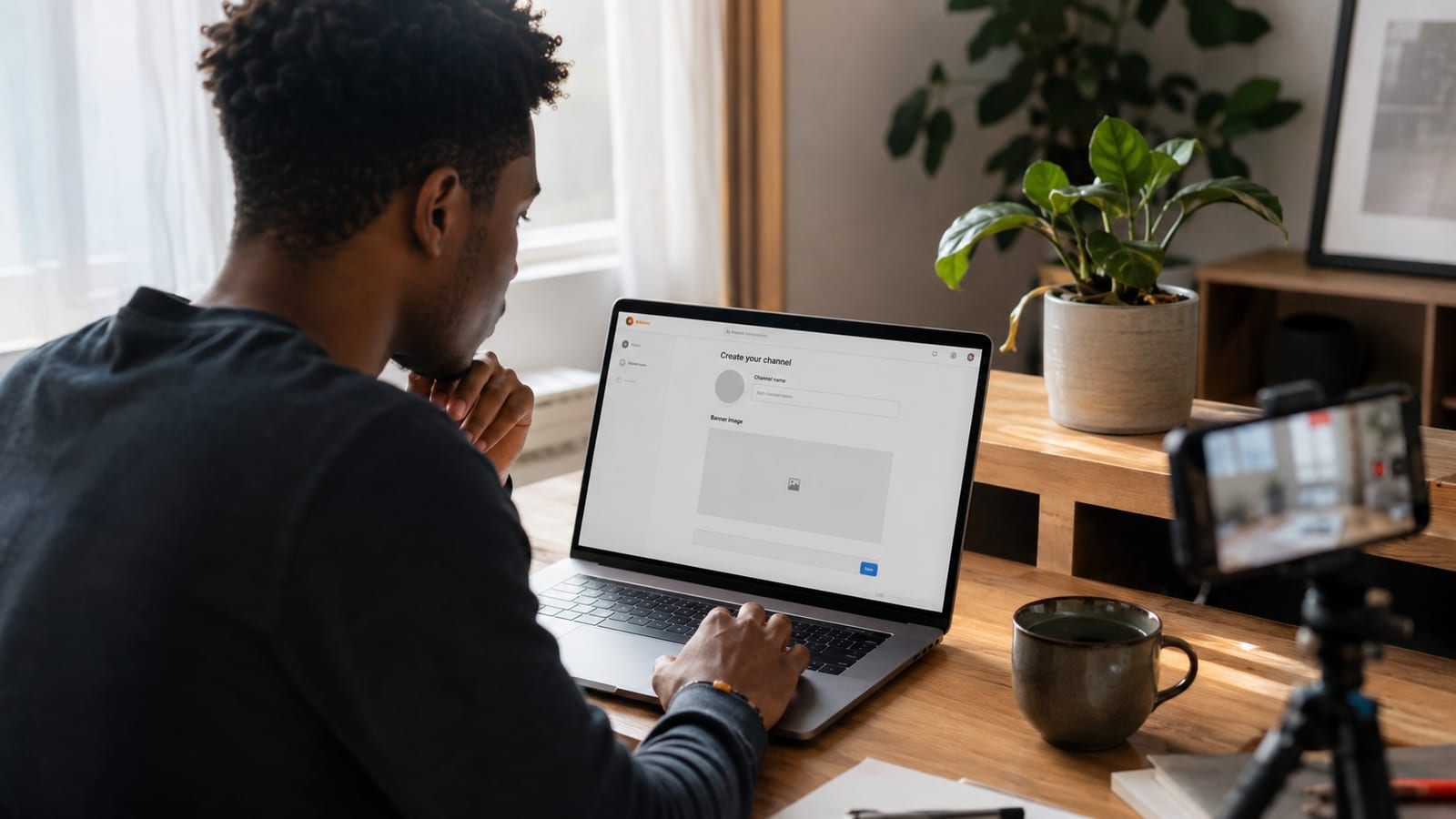
This skips the pitch and covers what a gaming channel needs: niche, setup, and an honest tool recommendation. It also covers the one thing every other guide misses entirely: timing content around the game itself rather than a generic upload calendar. If you have not set up the channel yet, the full setup guide covers account type, branding, and the parts that apply to every niche.
Pick a Niche: Game Plus Viewer Outcome
"I make Valorant videos" is not a niche, it is a topic. "Ranked-climb tips for Valorant players stuck in Gold" is a niche, because it names the game and the specific result a viewer walks away with. That second version tells a potential subscriber exactly why they should come back next week.
Focusing on one game builds authority and a loyal audience far faster than jumping between titles, since viewers subscribe to channels that consistently deliver one kind of value. Multi-game channels can work too. That almost always happens once the channel already has a defined viewer outcome, a format, a sense of humor, a teaching style, that holds across different titles rather than one game carrying the whole identity.
The Gaming Content-Type Menu
Gaming splits into more distinct formats than almost any other niche. Picking one deliberately beats drifting between all of them, and the gaming video ideas guide covers 18 of them grouped by exactly this logic:
| Format | What it delivers |
|---|---|
| Let's Play | Full or extended playthrough with commentary, built for viewers who want the journey as much as the outcome |
| Walkthrough/guide | Solves a specific stuck point, a boss, a puzzle, a build, high search intent |
| Speedrun | Optimized, fastest-possible completion, appeals to a competitive, technical audience |
| Review | Evaluates a game's mechanics, value, and worth buying, timed around release windows |
| Esports commentary | Analysis or casting of competitive matches, needs real game knowledge |
| Reaction | Live response to trailers, updates, or other creators' content, lowest production bar |
| Lore/analysis | Deep dives into story and world-building, rewards long-form, patient viewers |
| News/updates | Covers patches, leaks, and announcements, needs speed and consistency to compete |
Most successful channels lead with one format and use the rest as occasional variety. Let's Play is the single most saturated format in gaming, plain playthroughs with commentary are what nearly every new gaming channel defaults to. Leaning toward a more specific angle instead, a walkthrough for one exact stuck point, a speedrun category, a review timed to launch, clears a path that a generic playthrough does not.
PC or Console
This decision shapes everything downstream, and almost no guide asks it before diving into equipment lists. PC gives you free capture software and full editing control with no extra hardware. Console still works well, and most modern consoles can record and share clips natively, but full editing control over that footage generally means either the console's own creator tools or an external capture card.
Neither path is wrong. PC has a lower cost floor for capture; console has a lower cost floor for the machine itself if you already own one for gaming.
Recording Software, Without the Vendor Bias
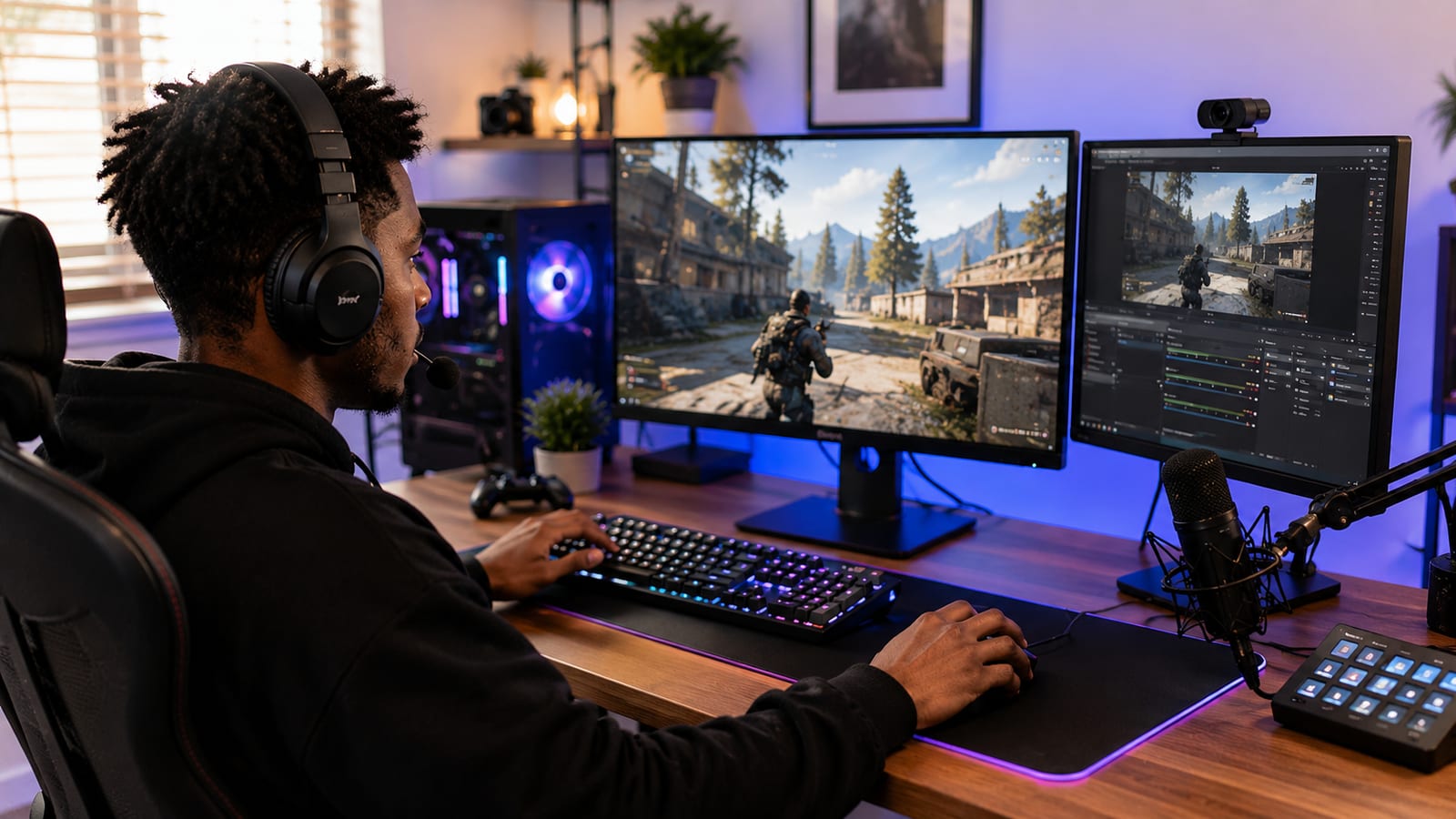
OBS Studio is free, open source, and handles both local recording and live streaming with no watermark and no subscription. It has a real learning curve compared to the paid one-click tools most guides push, but the investment pays back immediately in flexibility: scene switching, webcam overlay, and multi-source recording all come standard.
Quick Tip: record at your game's native frame rate instead of a fixed 30fps default. Fast-paced games look noticeably smoother at 60fps, and viewers notice choppy motion in gaming content faster than in almost any other genre.
Console creators without a capture card can start with the console's own share and clip features, genuinely usable for short-form content, and add a capture card later once longer-form editing becomes the goal.
Equipment Beyond the Capture
A USB headset with a boom mic solves two problems in one purchase: clean game audio in your ears and clear commentary on the recording. It is the right starting point for almost every new gaming channel, cheap, decent, and immediately functional.
A dedicated desk microphone is the first real upgrade, worth making once commentary becomes the main draw rather than the gameplay itself. A headset mic will always sound thinner than a proper condenser or dynamic mic sitting a few inches from your mouth. The best microphone for YouTube guide covers picks at every budget.
A webcam is optional early on, useful for face-cam reaction content but not required for gameplay-focused formats like walkthroughs or speedruns.
Naming and Branding
Keep the name tied to your niche or personality rather than one specific game, since outgrowing that title someday is common even for creators who start hyper-focused. If nothing is landing, the free Channel Name Generator builds real options from your niche in seconds, and the setup guide covers profile picture, banner, and the rest of the branding checklist that applies regardless of niche.
Timing Content Around the Game Itself
This is the gap nobody else in this space covers, and it is a genuine SEO advantage. General content calendars run on a fixed weekly rhythm. Gaming content has a second calendar layered on top: the game's own release cycle.
- Launch windows. Search volume for a new game spikes hard in its first two weeks. A review or early-impressions video published day one competes for a flood of demand that does not exist a month later.
- Patch days. Balance changes and new content drops create a fresh wave of "what changed" searches every single patch, a recurring, predictable content opportunity most channels ignore.
- Tournament and esports schedules. Major competitive events spike interest in a game overall, a good window for broader content even if you never cover the tournament directly.
Check a game's official roadmap and patch history before you plan a month of content. Aligning uploads with these dates gets you in front of search demand that a generic weekly schedule misses entirely.
Gaming clips are some of the most natural Shorts material on the whole platform, a clutch play, a funny death, a broken combo. Cutting one 30 to 60 second clip from every long-form upload gives it a second discovery path at almost no extra work.
Check the search demand before you commit to a gameThe free Keyword Research tool shows real volume so you can confirm a niche is worth building around before you invest weeks into it.Check my niche, free →A Repeatable Weekly Workflow
A simple pipeline prevents the burnout that kills most new gaming channels within the first two months:
| Day | Task |
|---|---|
| Early week | Plan the video, check the game's patch notes or release calendar for timing opportunities |
| Mid week | Record, ideally in one session to preserve momentum |
| Late week | Edit, title, thumbnail, and schedule the upload |
| After publish | Check the retention graph, respond to comments, note what worked for next week |
The Video Ideas Generator helps fill the planning stage fast on weeks when the game's own calendar is quiet. Gameplay footage is forgiving, but the first ten seconds are not. Viewers scroll past a slow intro just as fast on a gaming channel as anywhere else, and the video-production guide covers hooks and structure in depth.
Building a Gaming Community
Gaming audiences engage off-platform more than almost any other niche. A Discord server, even a small one, gives viewers a place to talk between uploads and gives you a direct line to what they want next.
Collaborating with similarly sized creators exposes your channel to an audience that already likes gaming content adjacent to yours, a duo playthrough, a multiplayer session, a reaction to each other's videos, whatever format fits. The free Competitor Analysis tool helps spot which channels in your game are worth reaching out to.
Running the channel with a co-host, an editor, or a small team gets easier with the right account structure too, the Brand Account guide covers adding managers without sharing a single login.
Monetization Beyond Ads
Ad revenue through the Partner Program is the baseline, but gaming carries monetization angles most niches do not. Game studios sponsor coverage directly around launches, and affiliate codes for games, gear, or gaming-adjacent software convert well with an audience already primed to buy exactly those things. If any of your content is live, Super Chats and channel memberships add a real-time layer on top. Both are gaming-audience staples a purely pre-recorded channel never sees.
The Honest Numbers
Tens of millions of gaming channels already exist, and pretending otherwise does nobody any favors. What still works is what always worked: a specific niche, a real viewer outcome, and consistency held long enough to compound. The too late to start guide covers the full argument for why saturation alone has never been the reason a channel fails.
Frequently Asked Questions
How do I start a gaming YouTube channel with no experience?
Pick one game and one specific viewer outcome, ranked climbing tips for Valorant rather than just Valorant gameplay, record with free software like OBS Studio, and publish consistently for several weeks before judging results. Experience comes from the reps, not from a perfect first video.
Do I need a gaming PC to start a gaming channel, or is a console enough?
A console works fine and most consoles can record and share clips natively. The real difference is capture: PC gives you free software like OBS Studio, while console requires either the built-in share feature or an external capture card for full control over quality and editing.
What software should I use to record gameplay?
OBS Studio, free and open source, is the honest default for PC. It handles local recording and live streaming with no watermark and no subscription, unlike most of the paid tools gaming guides tend to recommend.
Do I need a capture card?
Only if you are recording from a console and want full editing control over the footage. PC gameplay records natively through software like OBS with no extra hardware, and most consoles can export basic clips without one too.
What is the best microphone for a gaming channel?
A USB headset with a boom mic is the cheapest starting point and solves two problems at once, game audio in your ears and clear commentary on the recording. A dedicated desk microphone is the first real upgrade once commentary becomes the main draw rather than the gameplay itself.
Should I focus on one game or play multiple games?
One game builds authority and a loyal audience far faster than jumping between titles. Multi-game channels do exist and can work, but almost always after the channel already has a defined viewer outcome that holds across different games, a format or personality rather than a single title.
How do I pick a name for a gaming channel?
Short, easy to spell, and tied to your niche or personality rather than one specific game, since you may outgrow that game someday. Check availability across YouTube, Twitch, and Discord before committing, and the free Channel Name Generator can build options from your niche in seconds.
How often should I upload gaming videos?
Pick whatever schedule you can sustain for months rather than the most ambitious one you can imagine for a single week. Two uploads a week held consistently for six months outperforms a daily schedule that collapses after ten days.
Can I make money from a gaming channel without streaming?
Yes. Ad revenue through the Partner Program, sponsorships from game studios and peripheral brands, and affiliate codes for games or gear all work on pre-recorded videos with no live streaming required.
Is it too late to start a gaming YouTube channel in 2026?
No, though the space is genuinely crowded, tens of millions of gaming channels exist. What still works is the same thing that always worked: a specific niche, a real viewer outcome, and consistency long enough to compound. The full argument is in the too late to start guide.
The Game Has Its Own Calendar Too
Most of what kills a new gaming channel has nothing to do with gaming specifically. Wrong niche, no real plan, quitting three weeks before consistency would have started paying off, the same failure modes that end channels in every other niche on this site too.
What this niche has going for it, genuinely, is the one lever nothing else gets: a release calendar written by someone else, generating real search demand on a schedule you can plan around months in advance. Use that before assuming saturation is the reason it will not work.