Thumbnail CTR prediction used to mean uploading and waiting. Now there are AI tools that simulate how viewers process a design before it ever goes live, flagging weak points before a single impression is wasted.
The problem is knowing which tool does what. Some generate heatmaps. Some benchmark against competitors. Some score cognitive load. Using one in isolation gives you a partial picture.
This guide covers the six best thumbnail tester tools available in 2026, what each one measures, and the workflow for using them together to validate a thumbnail before upload.
The Science of the Click: Why Your Gut Feeling is Killing Your CTR
Creators suffer from design blindness. After spending time on a thumbnail, the brain stops seeing it objectively and starts seeing what it intended to create. That gap between creator perception and viewer reality is where CTR breaks down.
AI vision models close that gap by simulating how the human eye scans a visual in the first two seconds of contact. The output is a visual saliency map, a heatmap showing exactly where viewer attention lands first, second, and third before any conscious decision is made.
What those maps consistently reveal surprises most creators. Attention gravitates toward high-arousal emotional faces, high-contrast elements, and directional cues. It avoids cluttered backgrounds, low-contrast text, and anything placed in the bottom right corner where YouTube's timestamp sits.

CTR prediction through AI is not a replacement for live testing. It is a filter that eliminates the weakest design choices before they cost real impressions. A thumbnail that fails a saliency test will almost always underperform in the feed, and fixing it before upload costs nothing compared to fixing it after a video has already lost algorithmic momentum.
The tools that follow each address a different layer of this analysis. Used in sequence, they turn thumbnail design from a creative guess into a validated, data-backed decision.
1. YTGrowth Thumbnail IQ: Niche-Specific Benchmarking and AI Vision Analysis
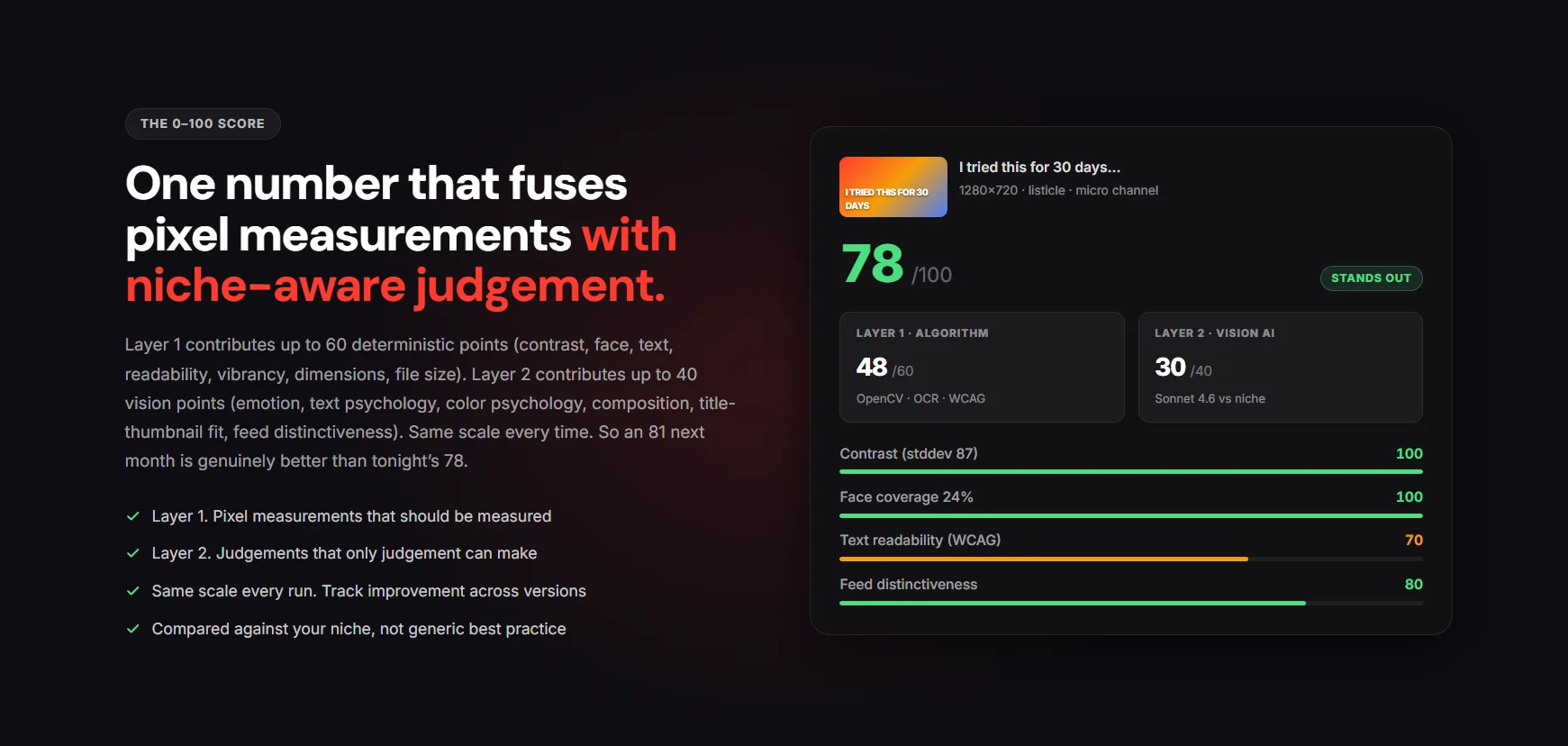
Most AI thumbnail analyzer tools score thumbnails in isolation. Thumbnail IQ scores them in context, benchmarking your design against the top-performing videos in your specific niche rather than against a generic quality standard.
That distinction matters. A thumbnail that scores well against average designs can still underperform against the actual competition in your niche. Thumbnail IQ runs face detection, contrast analysis, text density scoring, and a curiosity gap read using an AI vision model, then compares those outputs against what is already winning clicks in your category.
Key features:
- Niche-specific benchmarking against top-performing competitor thumbnails
- AI vision analysis covering contrast, face presence, and text density
- Curiosity gap scoring that flags whether the thumbnail creates visual tension or tells the whole story
- Integrated directly into the platform alongside competitor analysis and channel audit data
Best for: Creators who want to know how their thumbnail performs relative to actual competitors, not a generic benchmark.
The practical advantage of Thumbnail IQ is that it connects thumbnail performance to the broader channel strategy. A weak contrast score on its own is useful. That same score sitting next to competitor thumbnails that consistently use high-contrast yellow and red is actionable. That is the difference between a rating and an insight.
Run every thumbnail through niche-specific benchmarking before moving to live testing. It is the most relevant starting point for any YouTube thumbnail tester workflow built around real competitive data.
Benchmark your thumbnail against your actual nicheThumbnail IQ scores your design against the top-performing videos in your category, not a generic standard, so you know exactly where it stands before the first impression.Try Thumbnail IQ →2. TestMyThumbnails: The Gold Standard for Saliency and Heatmaps
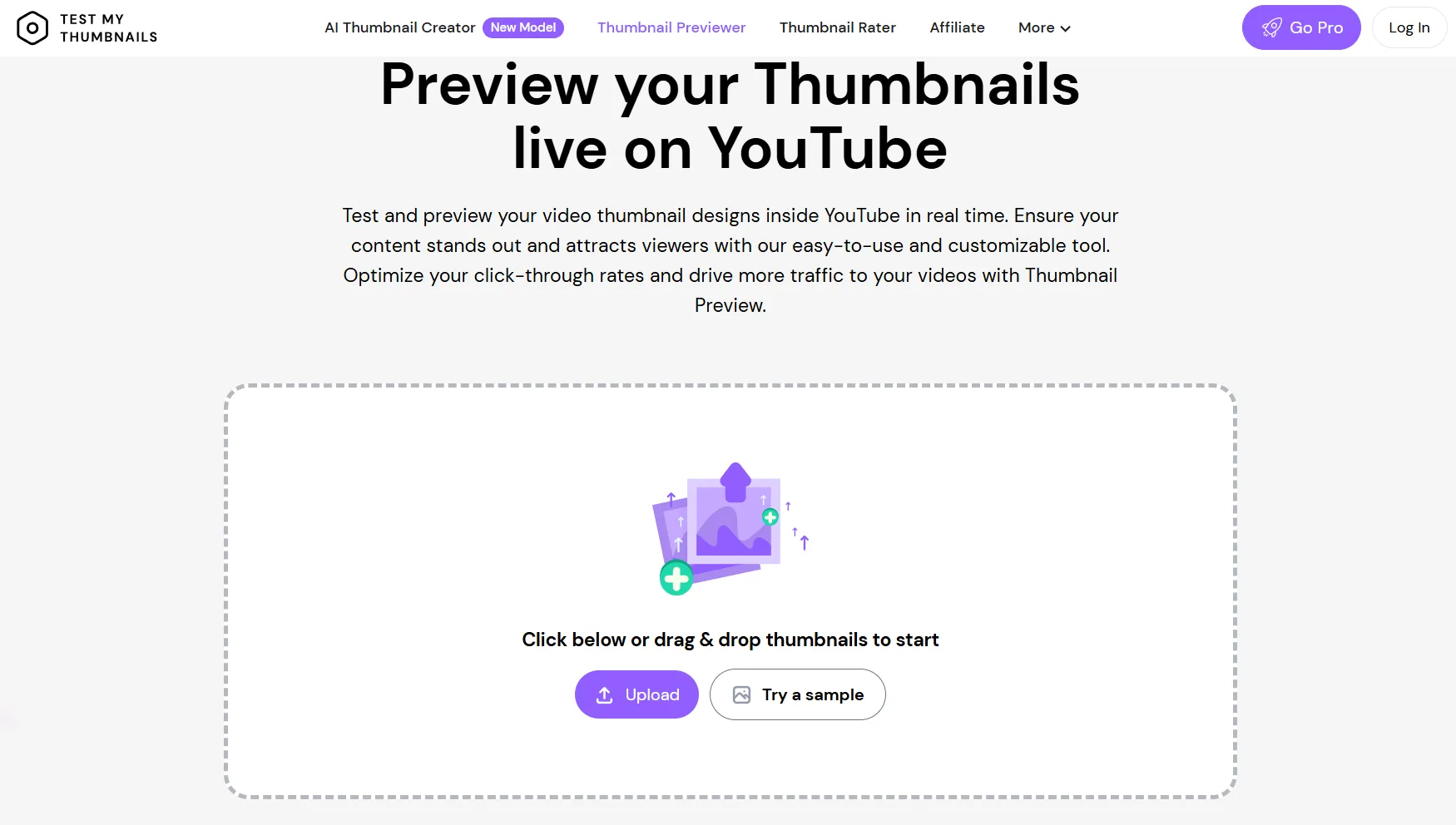
Where Thumbnail IQ benchmarks against competitors, TestMyThumbnails goes deeper into the neuroscience of visual attention. It uses AI vision models to simulate human eye movement across a thumbnail and returns a visual saliency map showing exactly where attention lands and where it does not.
The output answers one critical question: is the viewer looking at what you want them to look at? A thumbnail with a strong face, bold text, and a clear focal point should show concentrated heat on those elements. When the heatmap shows attention spreading across the background instead, CTR suffers regardless of how polished the design looks at full size.
Key features:
- AI-generated heatmaps showing predicted viewer attention distribution
- CTR score benchmarked against average thumbnail performance
- Dead zone identification flagging areas of the design that receive no attention
- Face and emotion detection confirming whether high-arousal expressions are registering
Best for: Creators who want to validate focal point placement and confirm that the design hierarchy matches intended viewer attention before upload.
The saliency data from TestMyThumbnails is most valuable when it contradicts your instinct. If you designed the thumbnail around a bold text element and the heatmap shows the viewer looking at the background instead, the hierarchy needs to change.
That correction takes minutes before upload and can be the difference between a video that gets distributed and one that stalls after the first few hundred impressions.
3. VidIQ: Historical Platform Data and Competitive Context

VidIQ approaches CTR prediction from a different angle than saliency-based tools. Rather than simulating visual attention, it uses historical YouTube performance data to predict how a thumbnail is likely to perform based on what has already worked within your niche on the platform.
The practical value is in the specificity. A generic quality score tells you whether a thumbnail is well-designed. VidIQ tells you whether it matches the visual patterns that have historically driven clicks in your specific content category, which is a more useful signal for yt thumbnail tester decisions.
Key features:
- Historical performance benchmarking using real YouTube data from your niche
- AI-generated feedback on design elements tied to platform-specific performance patterns
- Integrated thumbnail generator for rapid iteration based on analysis feedback
- Competitive context showing how your thumbnail compares to top-performing videos in your category
Best for: Creators who want platform-specific performance predictions rather than purely visual analysis, and who need to iterate quickly based on data-backed feedback.
The strongest use case for VidIQ in a thumbnail tester workflow is validation after saliency testing. Once TestMyThumbnails confirms the attention hierarchy is correct, VidIQ confirms whether that design direction aligns with what the platform has historically rewarded in your niche. Both layers together give a more complete picture than either tool provides independently.
4. Neurons: Enterprise-Grade Neuroscience for Cognitive Load
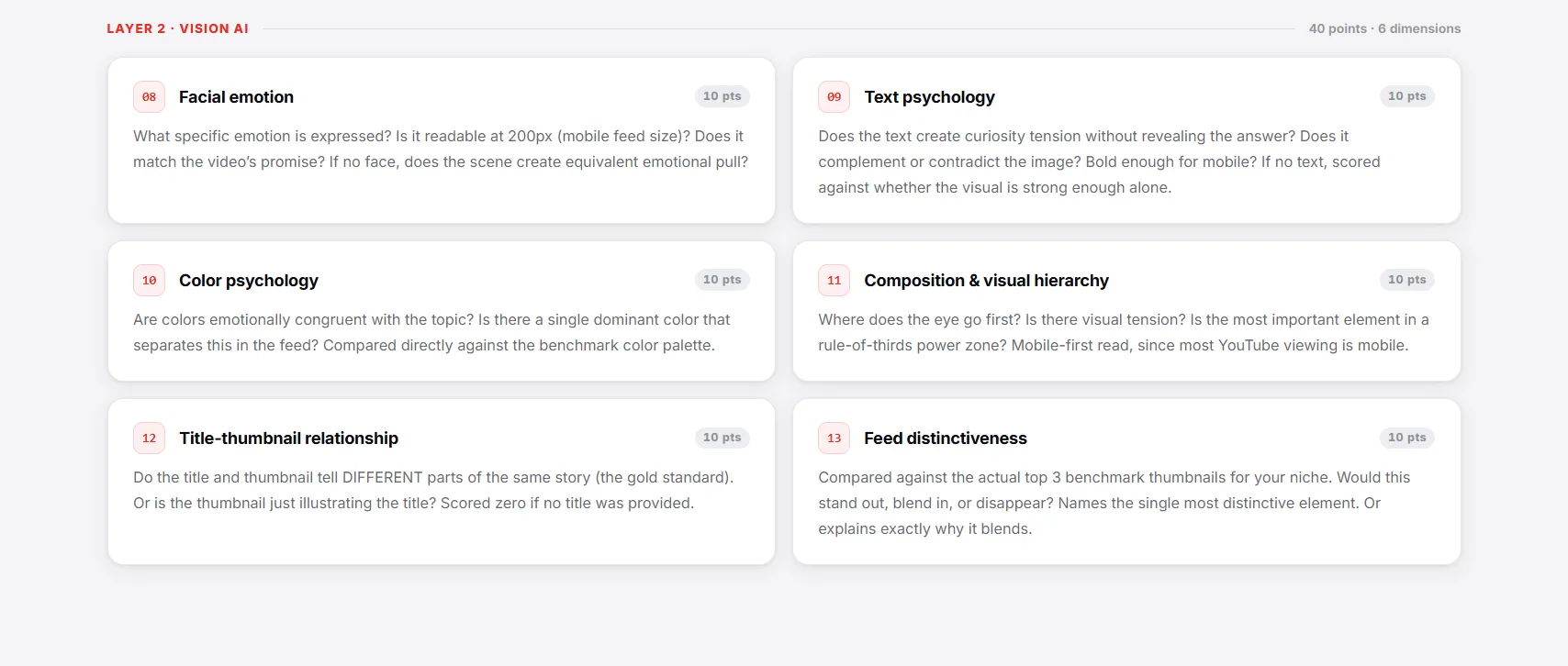
Neurons operate at a different level than the other tools in this list. Where most AI thumbnail analyzer platforms focus on where attention lands, Neurons measure how hard the brain has to work to process what it sees. That measurement is called cognitive load, and it is one of the most overlooked variables in thumbnail design.
A thumbnail can pass every saliency test and still underperform because it is too visually complex for a scrolling viewer to decode in two seconds. Too many competing elements, too much text, too many colors, and the brain disengages before a click decision is made.
Key features:
- Neuroscience-based AI that predicts consumer visual behavior
- Cognitive load scoring measuring how much mental effort the design demands
- Visual clutter analysis identifying competing elements that dilute the primary focal point
- Attention prediction using the same underlying models used in enterprise consumer research
Best for: High-budget campaigns and brand channels where every percentage point of CTR has significant revenue implications, and where design decisions need to be justified with scientific data rather than subjective feedback.
The cognitive load score is most useful as a final check before a thumbnail goes live. A design that scores well on saliency, benchmarks well against competitors, and still feels cluttered when viewed at mobile scale almost always has a high cognitive load score.
Neurons makes that invisible problem visible, and fixing it before upload protects both CTR and Average View Duration by ensuring the right viewer clicks for the right reason.
5. ThumbsUp.tv: The Essential Reality Check for Multi-Device Scaling
Every tool covered so far analyzes a thumbnail at full resolution. ThumbsUp.tv answers a different question entirely: what does this thumbnail look like on the devices where most viewers will encounter it?
It is not a predictive AI thumbnail tester. It is a reality check. And for most creators, it catches problems that no saliency map or cognitive load score will flag.
Key features:
- Live preview across mobile, desktop, tablet, and connected TV placements simultaneously
- Sidebar and search result rendering showing how the thumbnail appears in different YouTube surfaces
- Text legibility check at 10% scale, the size at which mobile thumbnails render in the feed
- No upload required, paste a YouTube URL or upload an image directly
Best for: Any creator before any upload. This is not a specialist tool for advanced workflows. It is a baseline check that every thumbnail should pass before going live.
The most common failure it catches is text that reads clearly on a 27-inch monitor and becomes completely illegible on a phone screen. A thumbnail can have perfect contrast, strong facial emotion, and a validated attention hierarchy, and still lose clicks because a key word compressed into an unreadable blur at mobile scale. The mobile rendering rules behind that failure are worth internalizing before you design, not after.
Run ThumbsUp.tv after every other tool in this workflow. If the design does not hold up at 10% scale, no amount of strong saliency data will save it in the feed where 70% of your audience will see it first.
6. Thumbnail-AI and ThumbMagic: Fast Sanity Checks for Daily Uploads
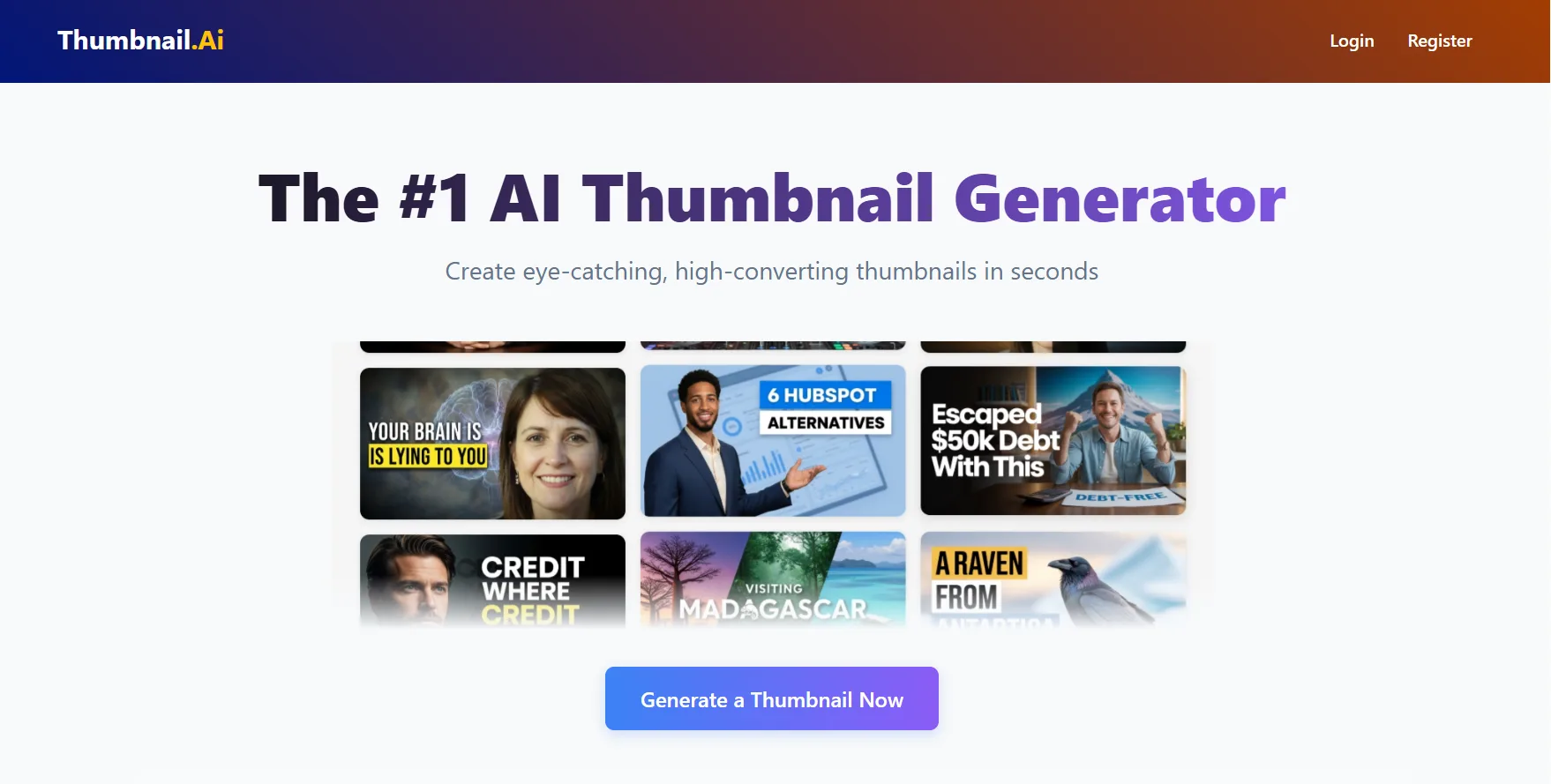
Not every upload warrants a full multi-tool analysis. For creators publishing frequently, Thumbnail-AI and ThumbMagic serve a different purpose in the YouTube thumbnail tester workflow. They are fast, low-friction sanity checks that catch obvious problems without requiring a deep analysis session.
Thumbnail-AI uploads a thumbnail and returns a rating, a breakdown of visual elements, and improvement suggestions in a single pass. It also generates alternative title suggestions based on the visual content, which is useful for creators who want to confirm the thumbnail and title are working as a complementary pair rather than duplicating the same message.
ThumbMagic provides an overall score with a visual element breakdown covering contrast, text density, face presence, and composition balance. The output is less granular than TestMyThumbnails or Neurons but significantly faster, making it practical for channels running high upload volumes where deep analysis on every video is not realistic.
| Tool | Best Feature | Price |
|---|---|---|
| Thumbnail-AI | Rating, improvement tips, title alternatives | Free |
| ThumbMagic | Overall score and visual element breakdown | Free |
Best for: Creators publishing three or more videos per week who need a quick confirmation that a thumbnail clears the baseline quality threshold before upload, without running a full workflow on every piece of content.
Use these tools as a filter, not a final verdict. If either flags a significant issue, escalate to a deeper yt thumbnail tester analysis before publishing.
The 4-Step AI Testing Workflow: From Concept to Upload
Individual tools give you data points. This workflow turns those data points into a decision. The sequence matters because each step builds on the previous one, moving from simulated attention analysis to real platform validation in a logical order that eliminates weak thumbnails before they cost impressions.
Step 1: Generate Three Distinct Variations
Start with three thumbnail concepts built around different visual approaches. A face-led variation with a high-arousal emotion. An object or result-led variation showing a before state or outcome. A text-led variation built around a bold curiosity gap statement. Three variations give the testing process something meaningful to compare rather than minor iterations of the same design. The design principles behind a high-CTR thumbnail are what each variation should be built on before any tool sees it.
Step 2: Run Saliency Testing
Upload all three variations to TestMyThumbnails and compare the visual saliency maps. Identify which variation produces the most concentrated attention on the intended focal point. Eliminate any variation where the heatmap shows attention distributing across the background or dead zones. Take the top one or two performers into the next step.
Step 3: Benchmark and Scale Check
Run the remaining variations through Thumbnail IQ for niche-specific benchmarking, then through ThumbsUp.tv for mobile scale legibility. A variation that benchmarks well against competitors but fails the mobile legibility test needs a typography adjustment before it moves forward. Both checks together confirm the design is competitive and functional across every surface where it will appear.
Step 4: Validate with YouTube's Native Test and Compare
Upload the strongest variation as the live thumbnail and the second strongest as the test variant using YouTube Studio's Test and Compare feature. Let real impression data run for 48 to 72 hours before making a final decision. The AI tools narrow the field. Real human behavior confirms the winner.
Pro Tip: The AI tools in this workflow are simulations, not verdicts. Their job is to eliminate obvious failures before they reach the audience. YouTube's own CTR prediction data from live impressions is always the final authority.
High CTR Is No Accident
High CTR is not a design accident. It is the result of eliminating weak choices before they reach the audience, and the tools in this guide make that process systematic rather than instinctive. The CTR and retention thresholds the algorithm rewards are the bar every one of these tools is ultimately trying to help you clear.
Each tool in the workflow serves a specific function. Thumbnail IQ benchmarks against real competition in your niche. TestMyThumbnails validates attention hierarchy through visual saliency maps. VidIQ adds historical platform context. Neurons catches cognitive overload. ThumbsUp.tv confirms mobile legibility. Thumbnail-AI and ThumbMagic handle fast daily checks. Used in sequence, they cover every layer of what makes a thumbnail tester workflow genuinely predictive rather than superficially reassuring. Stop designing for your own screen. Start designing for the two seconds a viewer gives you in the feed.