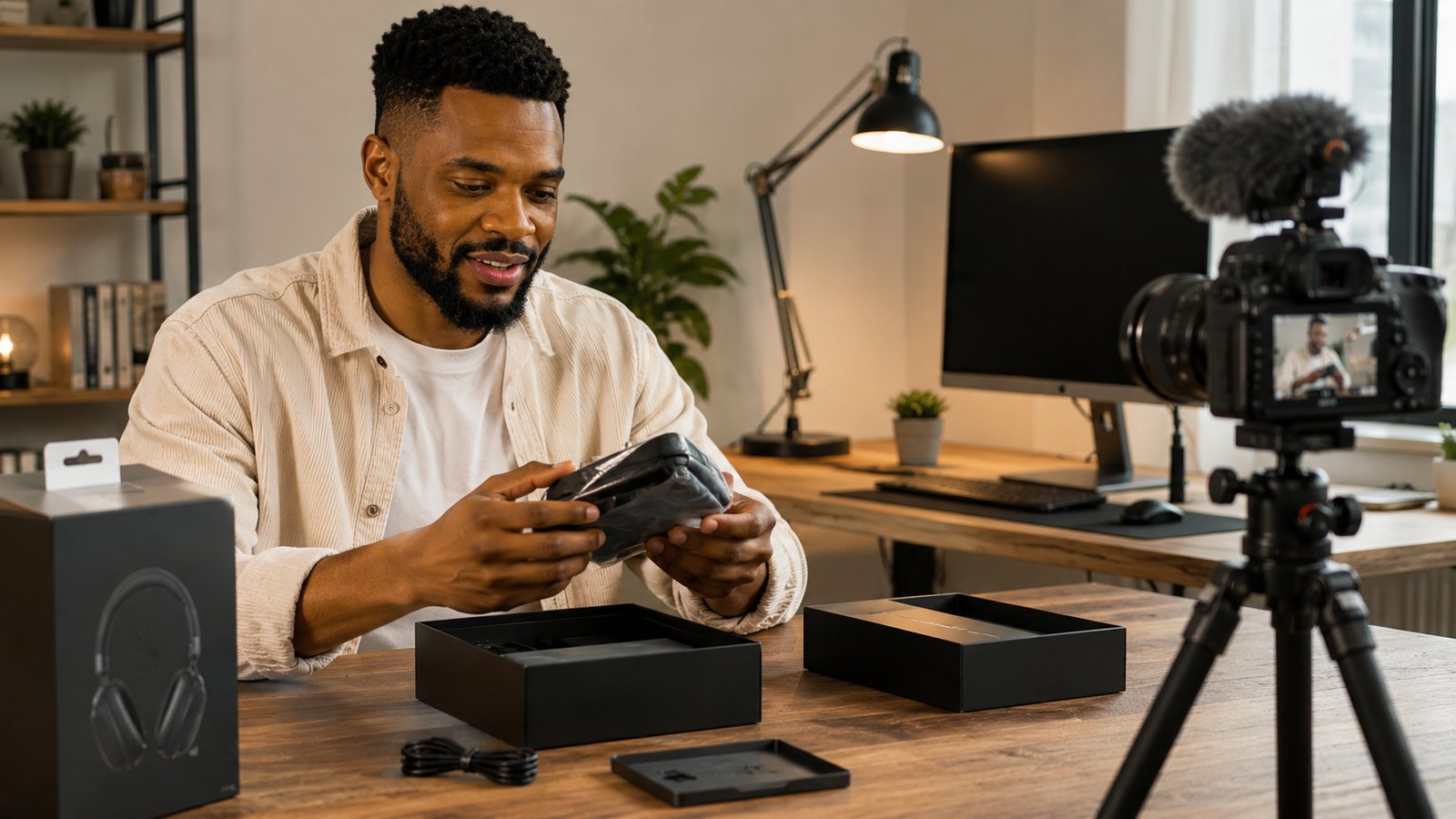
Pick a topic, get some gear, film it, edit it, upload it. Every beginner guide gives you that same shape, and it is useful, but incomplete in the one place that decides whether anyone watches. The average guide spends two sentences on the opening of your video and a thousand words on everything around it, when the opening is the part with the steepest drop-off of the entire runtime.
This is the complete process, start to finish, but with the part every other guide treats as an afterthought given the depth it deserves: what to say and do in the first 10 seconds, and why it matters more than your camera, your microphone, or your edit.
Step 1: Pick a Topic That Already Has Demand
The fastest way to waste a good video is making it about something nobody is searching for. Before you script anything, check whether the topic has real, ongoing demand, not just whether you feel like making it. Keyword Research shows the actual search volume behind a topic, and Outliers surfaces videos in your niche that broke out far past their channel's normal reach. Both are faster and more reliable than guessing.
Pro Tip: the fastest validation check for a first-time topic is a single outlier. Find one small channel's breakout video in your niche and study its first 30 seconds and its thumbnail, not its subject matter. The hook and the packaging are usually what carried it, and both are things you can copy the mechanics of without copying the content.
Step 2: Script the Hook First, Then Everything Else
This is the section every competing guide skips, and it is the highest-leverage ten seconds in the entire video. Average View Duration is one of the heaviest signals YouTube's algorithm uses to decide how far to distribute a video, and the steepest, most common drop-off on the entire retention graph happens in the first 30 seconds. Nail the hook and you protect the metric that determines everything downstream. Fumble it and no amount of editing polish saves the video.
Five Hooks That Work
- The cold open. Start inside the most interesting moment of the video, the result, the mistake, the reaction, before any setup. Explain how you got there afterward, once the viewer is already invested.
- The direct question. Ask the exact question your title implies an answer to. A viewer who is mentally answering a question is not deciding whether to leave.
- The mistake callout. Name a common, specific mistake your audience is probably making right now. It works because it feels personally addressed rather than generic.
- The teased payoff. Show a glimpse of the end result or outcome without explaining it, then promise to walk through exactly how you got there.
- The surprising result, stated first. Lead with the number, the outcome, or the twist, then explain it. Curiosity about the "why" holds attention better than building up to a reveal.
Pick whichever one genuinely fits your content. Forcing a mismatched hook onto a video reads as gimmicky and costs you more than a plain, honest opening would have.
What Kills a Hook
Logo animations, channel intros, and "hey guys, welcome back to my channel" all do the same damage: they delay the moment your video confirms it will deliver on the title, and a viewer who is not sure they clicked the right video leaves rather than waits to find out. Cut all three entirely. Say your channel name later, if at all, once the viewer has already decided to stay.
Keep the hook itself under 10 seconds, ideally 5 to 8. Longer openings show up as a visible drop-off spike right at the point the setup ends, because viewers who had already mentally left do so the second your stalling stops. The full mechanics behind this, including exactly where retention graphs break and how to read yours, are in the YouTube watch hours guide.
Quick Tip: write your hook last, after you already know the video's best moment, mistake, or result. It is nearly impossible to write a strong opening before you know what you are opening for.
Step 3: Keep the Gear Simple
A modern phone with a $30 clip-on microphone and a window for natural light beats an expensive camera with bad audio, every time. Viewers forgive soft video far more readily than hollow or noisy audio, so if you can only upgrade one thing before you start, upgrade sound. The full breakdown of what to buy at every budget is in the best microphone for YouTube guide.
Step 4: Film It
Keep the camera rolling. If you misspeak or lose your train of thought, pause and pick back up rather than restarting the whole take, you can cut around it later. Film in one session where possible, since stopping and restarting is where most first-time creators lose momentum and never finish. A single steady shot, decent light, and clear audio outperforms a complicated multi-angle setup you do not yet have the workflow to manage.
Step 5: Edit for Pace, Not Perfection
Cut anything that does not move the video forward: dead air, false starts, filler words, long pauses. A rough cut with zero dead air beats a beautifully graded video that drags. Free tools like CapCut or DaVinci Resolve handle cuts, text overlays, and basic audio cleanup without a steep learning curve, more editing software will not fix a slow edit, tighter cutting will.
Step 6: Title, Thumbnail, and Description
These three do the job the hook cannot: getting someone to click before they ever see your opening. Each has its own dedicated playbook on this site, so here is the short version and where to go deeper.
- Title. State the specific outcome or question your video answers, the same one your hook confirms in the first ten seconds. The YouTube title guide covers the formulas that consistently earn the click, and the free Title Generator gives you a starting point in seconds.
- Thumbnail. Built to the correct spec and designed for a phone screen first, since that is where most views happen. The YouTube thumbnail size guide covers the exact dimensions and safe zones.
- Description. A keyword-rich opening line, a short summary, and timestamps if the video runs past five minutes. The description template guide has 15 ready structures, and the free Description Generator builds one instantly.
Step 7: Upload at the Right Specs
| Field | Recommended |
|---|---|
| File format | MP4 (H.264 video, AAC audio) |
| Aspect ratio | 16:9 |
| Resolution | 1080p minimum, 4K preferred |
| Frame rate | 24 to 60 fps, match your source footage |
YouTube compresses every upload, so starting from a higher-resolution source gives the compression more detail to work with and keeps the final result sharper. Set visibility to public, unlisted, or private, and schedule the upload if you want a consistent, predictable posting time rather than publishing the moment editing finishes.
Step 8: What Happens After You Publish
The first 48 hours of a video's life, mostly driven by your subscribers and search traffic, tell YouTube how widely to distribute it next. Watch your Audience Retention graph for exactly where viewers drop off, if the cliff is in the first 30 seconds, the hook is the fix, not the topic or the thumbnail. That single graph tells you more about what to change next time than any other metric on the page.
Cutting a 30 to 60 second clip from the video's strongest moment and posting it as a Short gives it a second discovery channel almost for free. Shorts viewers who like what they see often click through to the full video.
Frequently Asked Questions
How do you start a YouTube video?
With the hook, not your logo or a greeting. Open with the exact moment that pays off your title, a question, a cold open into the action, or the most surprising result, delivered in the first 5 to 10 seconds. Save your channel name and any intro animation for after you have already proven the video is worth staying for.
What should I say at the start of a YouTube video?
Say whatever confirms the viewer clicked the right video and promises what happens next. "In this video, you will learn X" works better than a greeting or your name, because it validates the title immediately. Skip "hey guys, welcome back to my channel" entirely, it delays value and costs you viewers in the first ten seconds.
How long should the intro of a YouTube video be?
10 seconds or less for the hook itself, ideally 5 to 8. Longer than that and YouTube Analytics will typically show a visible drop-off spike right where the intro ends, because viewers who already decided to leave do so the moment your setup stops paying off.
Do I need expensive equipment to start a YouTube video?
No. A modern smartphone with a cheap clip-on microphone and a window for natural light outperforms an expensive camera with bad audio. Audio quality affects retention more than video quality, viewers tolerate a soft picture far more readily than hollow or noisy sound.
What is a good hook for a YouTube video?
The five that consistently work are: a question the viewer has to think about, a cold open straight into the most interesting moment, calling out a common mistake, teasing the payoff without giving it away, and stating a surprising result up front. Pick the one that matches your actual content instead of forcing a formula that does not fit.
Why do viewers leave in the first 30 seconds of a video?
Almost always because the opening fails to confirm the title's promise fast enough. A slow build, a lengthy greeting, or a logo animation all delay that confirmation, and a viewer who is not sure they are in the right place leaves rather than waits to find out.
How do I edit a YouTube video for beginners?
Cut anything that does not move the video forward: dead air, false starts, filler words, and pauses. Free tools like CapCut or DaVinci Resolve handle basic cuts, text, and audio cleanup without a learning curve. Edit for pace first, polish second, a rough cut with no dead air beats a beautifully graded video that drags.
What format and resolution should I upload my YouTube video in?
MP4 with H.264 video and AAC audio, 16:9 aspect ratio, at least 1080p, ideally 4K if your camera supports it. YouTube compresses everything on upload, so starting from a higher-resolution source file gives the compression more to work with and keeps the final result sharper.
The Steps Are Not the Hard Part
Every step in this guide is mechanical: the topic, the gear, the filming, the edit, the upload. You will get comfortable with all of it within a handful of videos. The hook is the one step that stays hard, because it is not a checklist item. It is the ten seconds where a stranger decides whether you earned their time.
Script it last, keep it under ten seconds, and judge it by one question: does this immediately confirm the title and promise what happens next. Get that right and everything else exists only to support a video people finish watching: the gear, the filming, the editing, the upload.